
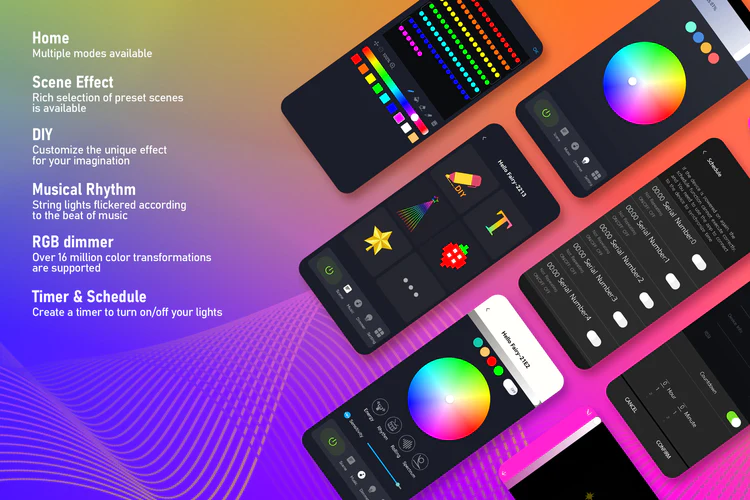

Get Your Décor Ready Put decorative lights wherever you want. whether you want to make a specific shape, wrap an object with light, or whatever you want. Let the Hello Fairy App handle the rest! | 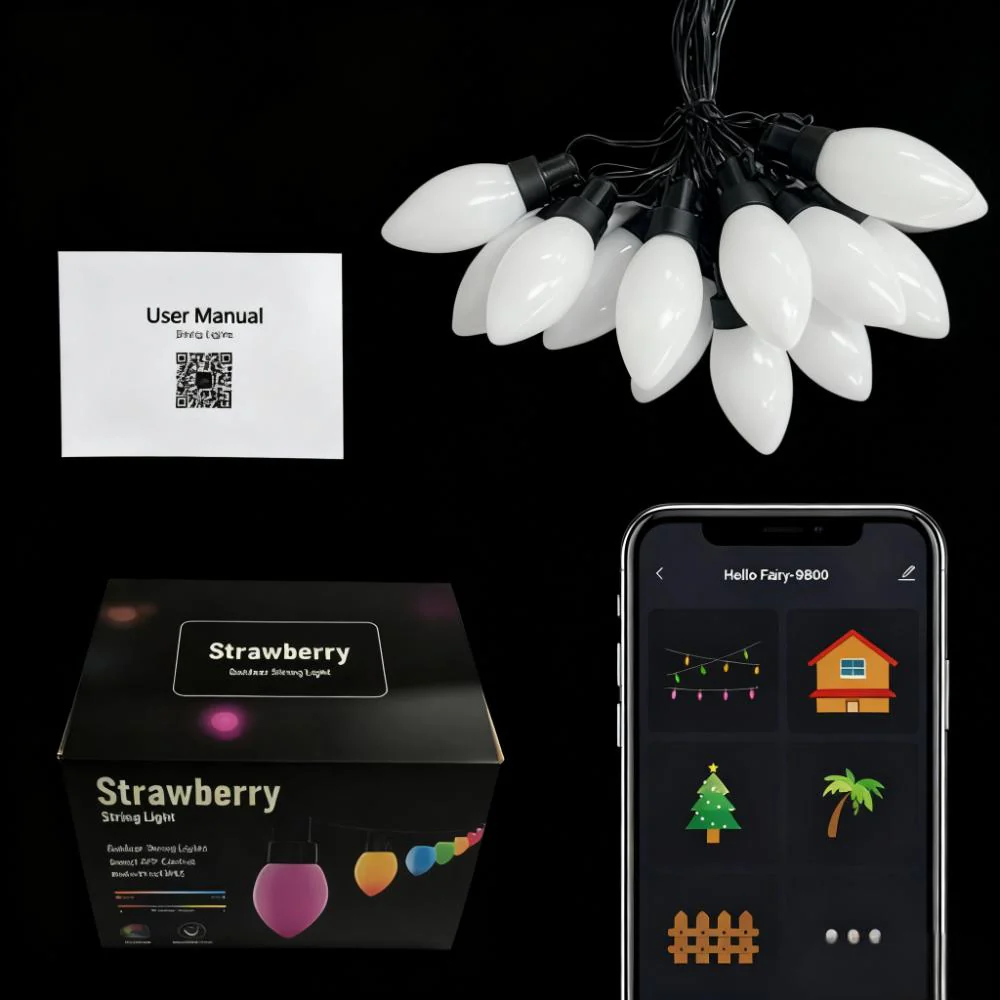 |
 | Find Your Device Once you turn on your device and enable Bluetooth on your phone, the device will appear in your device list. No account registration is required, and your information will not be collected. |
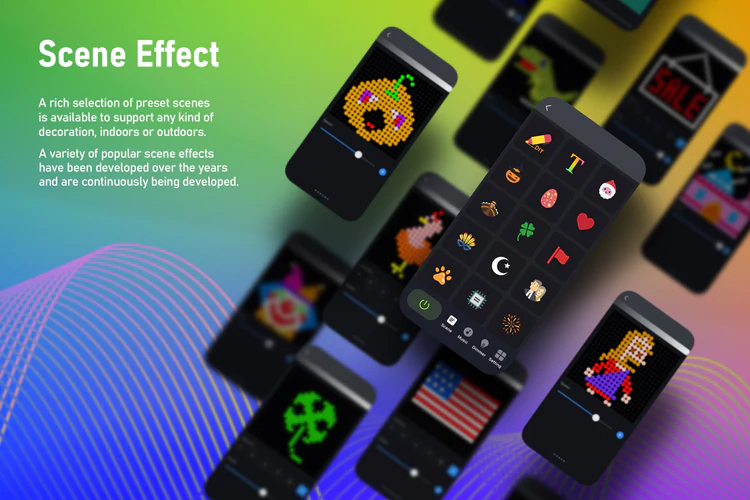
Play Advanced Effects Various pre-made effects are available in scene mode. You can quickly pick the lighting effect that suits your needs. |  |
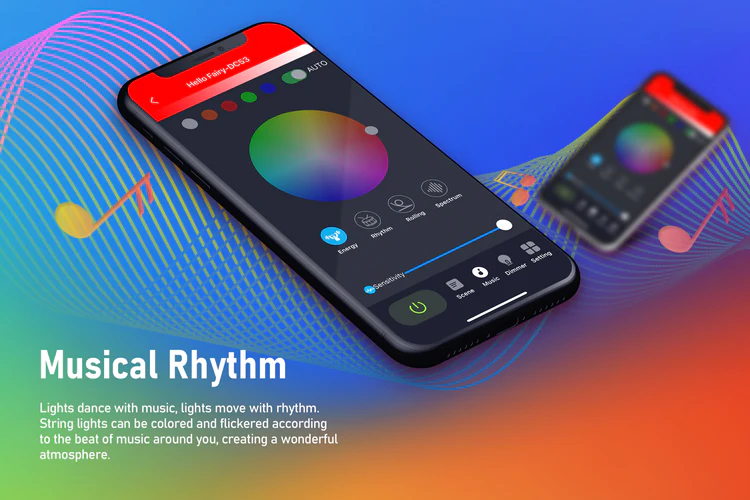
 | Musical Rhythm Music Rhythm provides 4 music modes, namely: “Energy”, “Rhythm”, “Roll”, “Spectrum”. In different modes, parameters such as “Sensitivity” can be adjusted. You can also set the “Auto/Manual” mode, when you switch to the manual mode, you can set the flashing color yourself. |
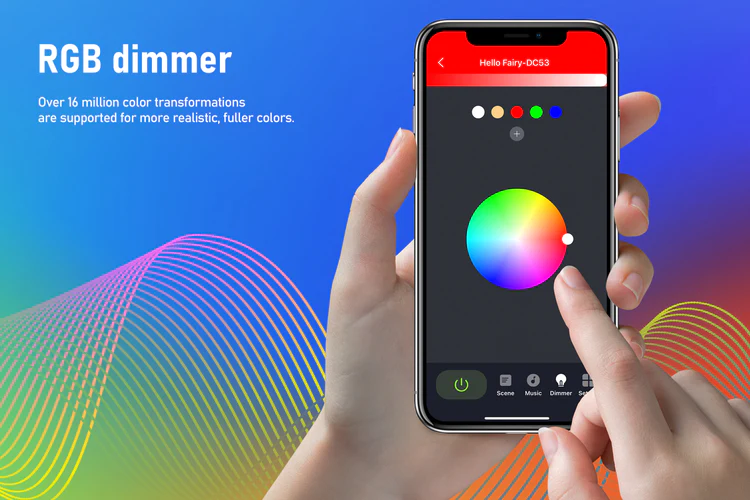
RGB Dimming In theory, it supports 16 million colors for adjustment. Lightly press and drag the color picker in the color wheel with your finger, and the light can be switched to the desired color. |  |
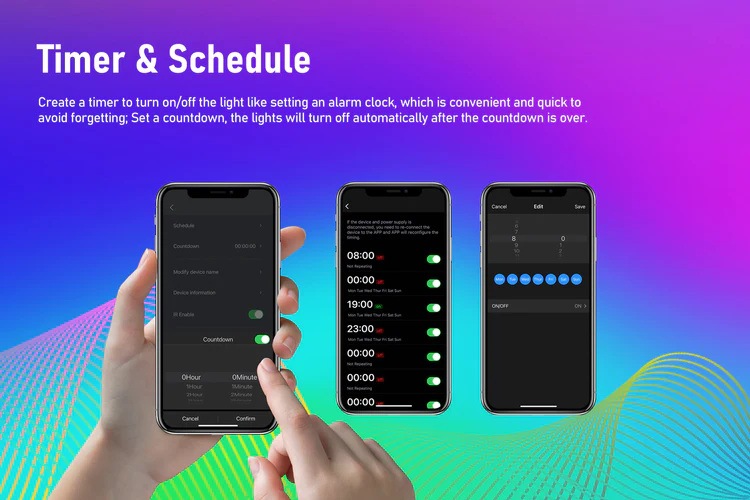
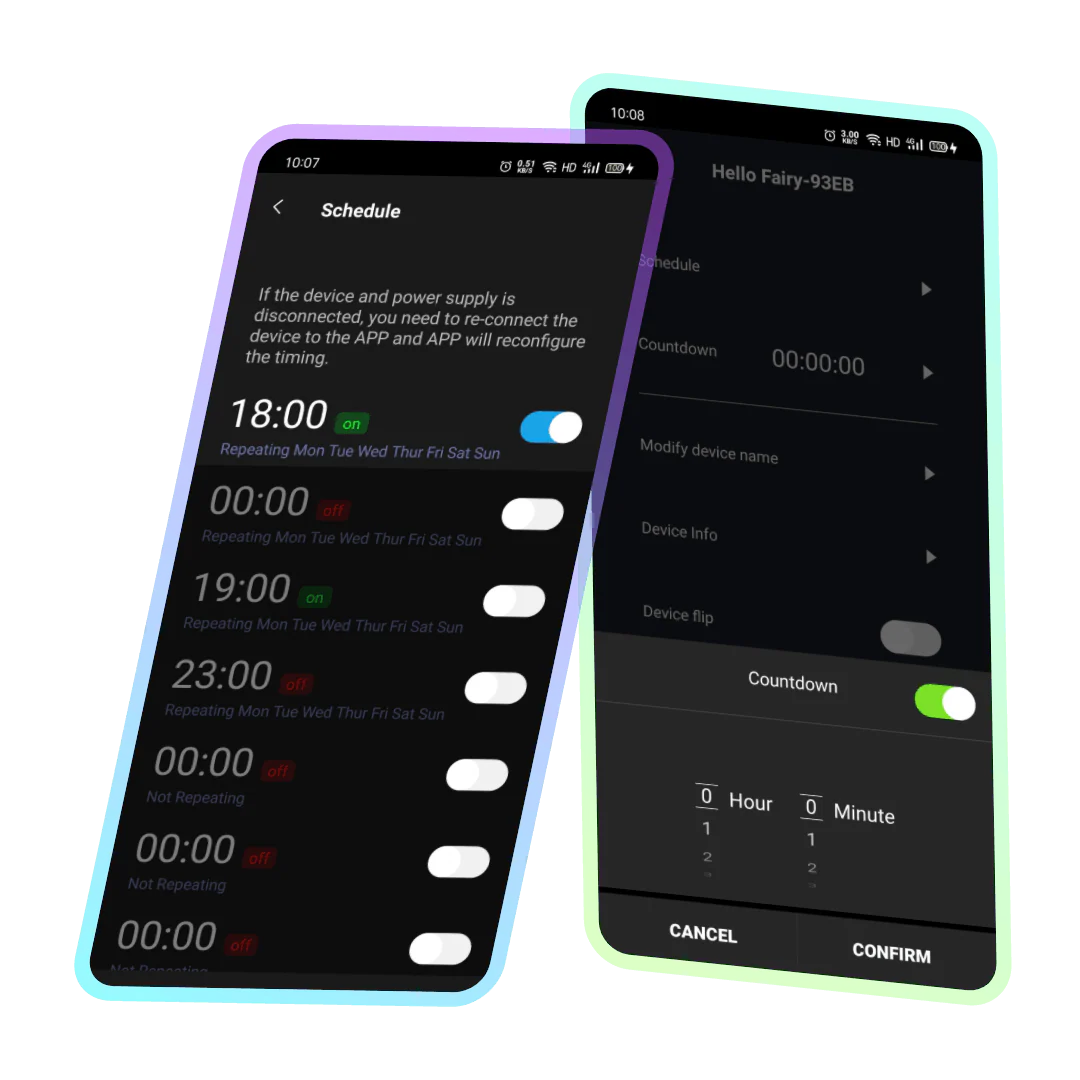 | Timing/Countdown Create a timer to turn on/off the light like setting an alarm clock, which is convenient and quick to avoid forgetting; Set a countdown, the lights will turn off automatically after the countdown is over. |
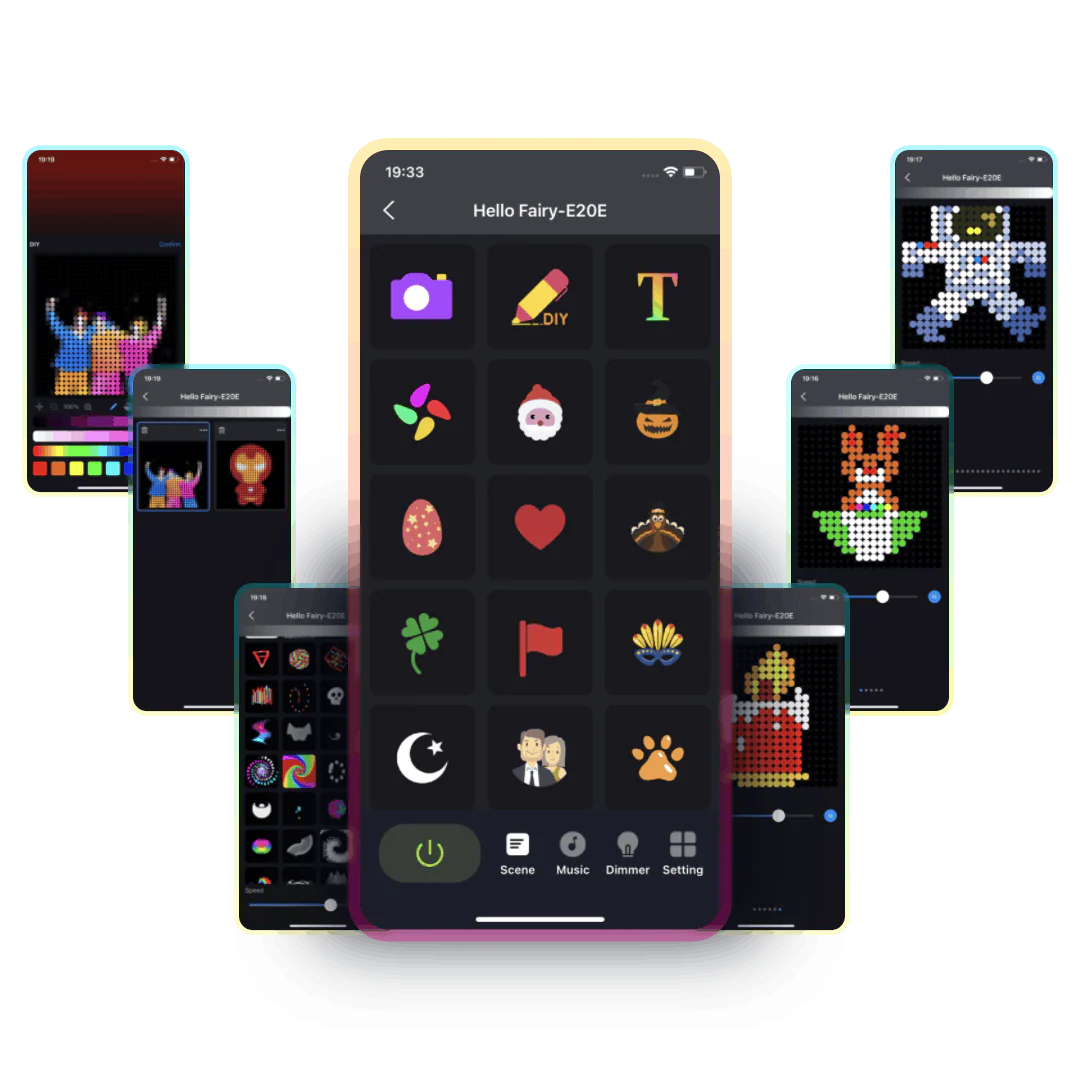
Festivals and Themes We have set up popular festival and theme effects for your convenience, allowing you to select the best pattern effect for different occasions at any time. Whether it’s Christmas, Valentine’s Day, Halloween, or other various festive themes, we have prepared corresponding pattern preset effects for you, making your special days more romantic, warm, and full of atmosphere. | 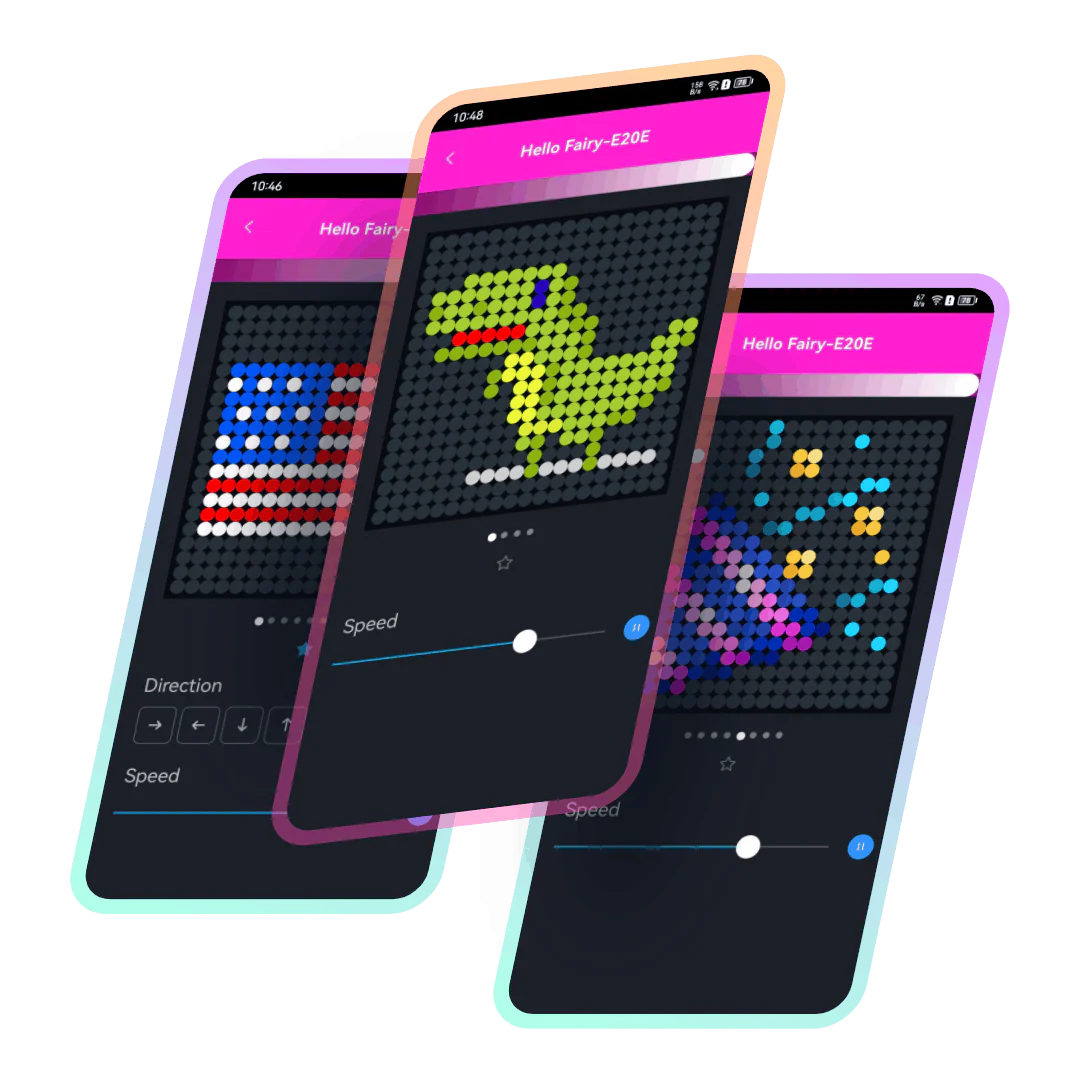 |
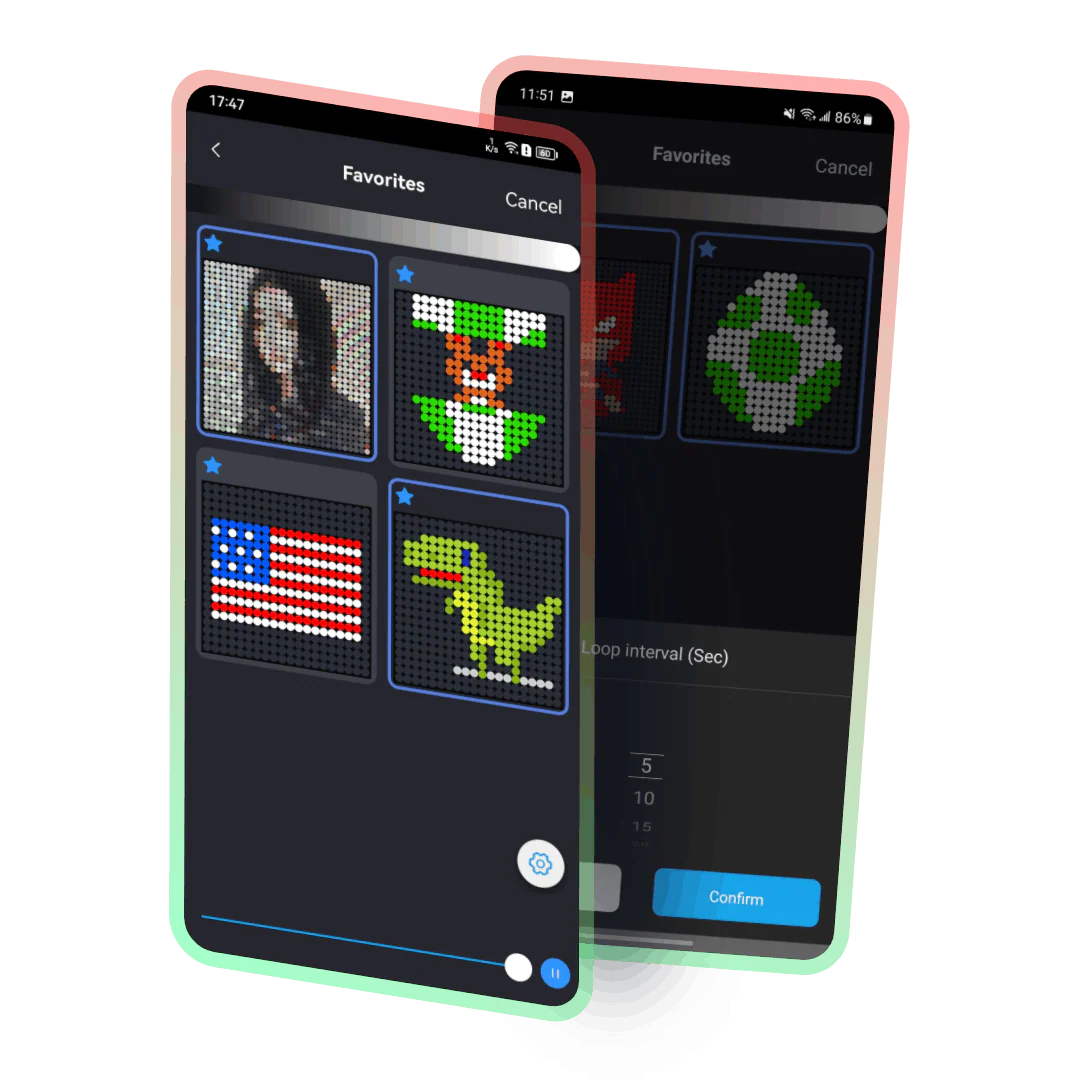 | Collection and loop One-click collect your favorite flashing effects, bid farewell to cumbersome browsing and searching. In addition, you can also set the collected effects to loop and release your hands from manually switching effects. |
Text subtitle effects By simply entering English letters, one can generate subtitle effects and display them on the light strings in various ways such as flashing or scrolling. For example, by typing “Happy Birthday,” birthday congratulations can be displayed, or festive greetings can be shown using light strings to enhance the atmosphere during special holidays. Therefore, this feature not only expands the range and creativity of light string use but also creates more possibilities for fun. | 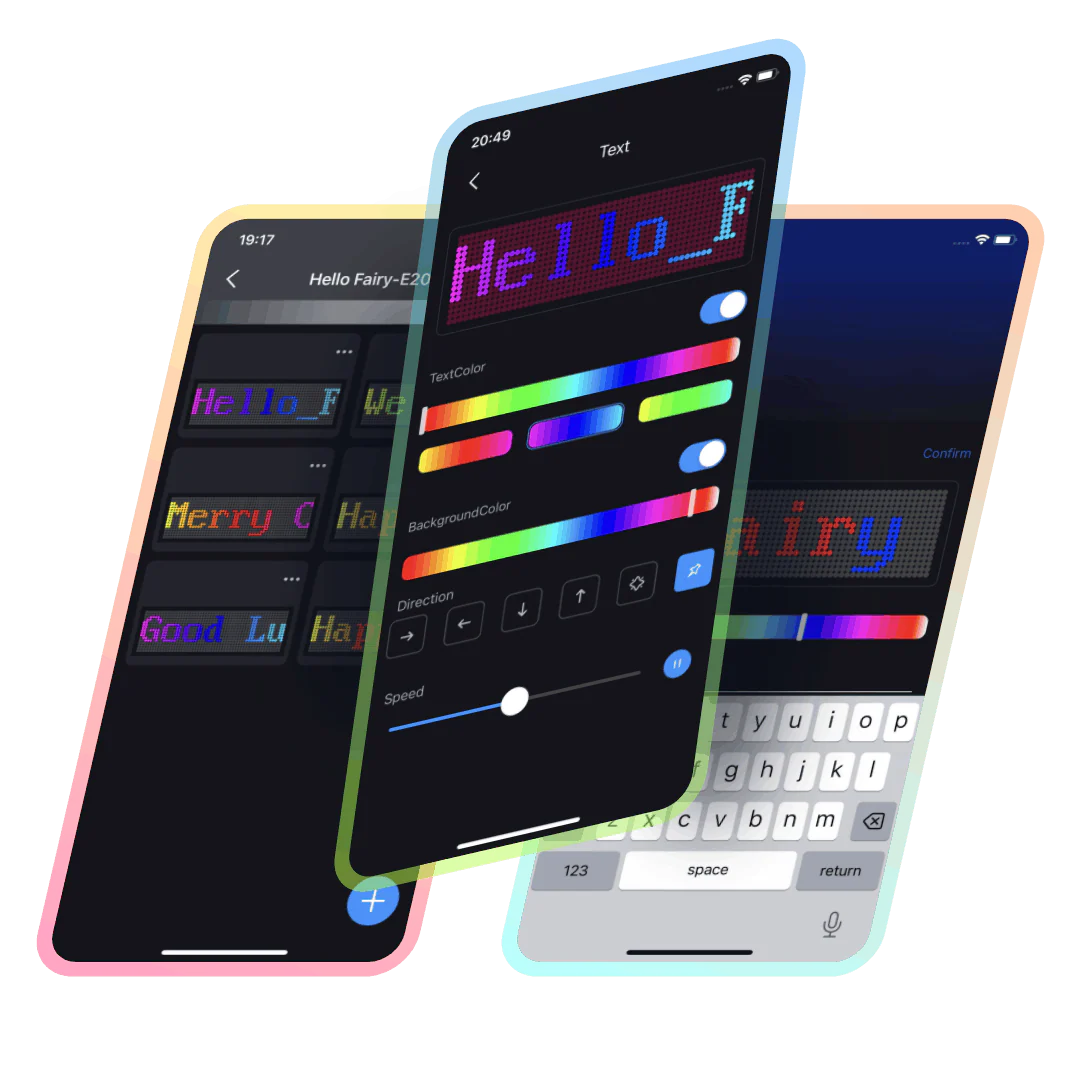 |
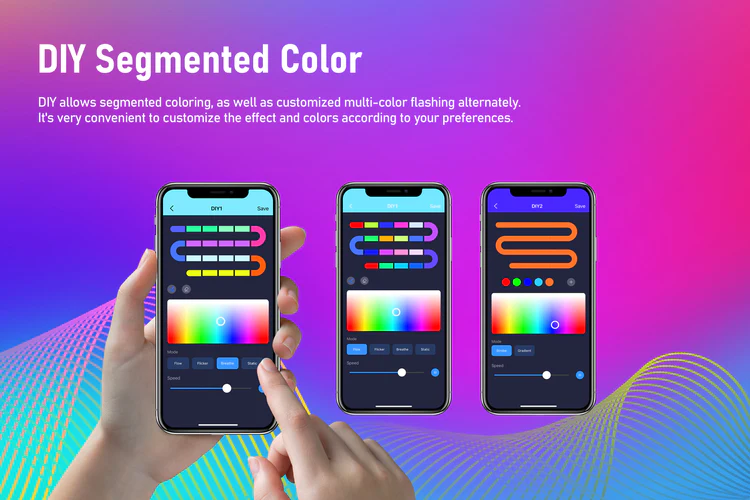
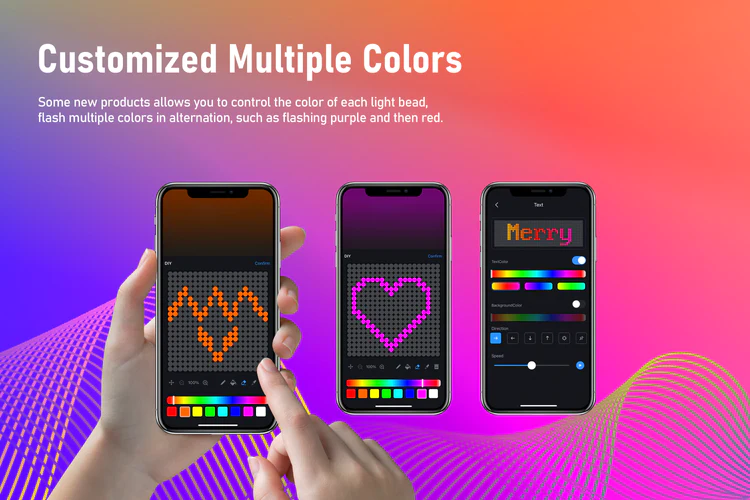
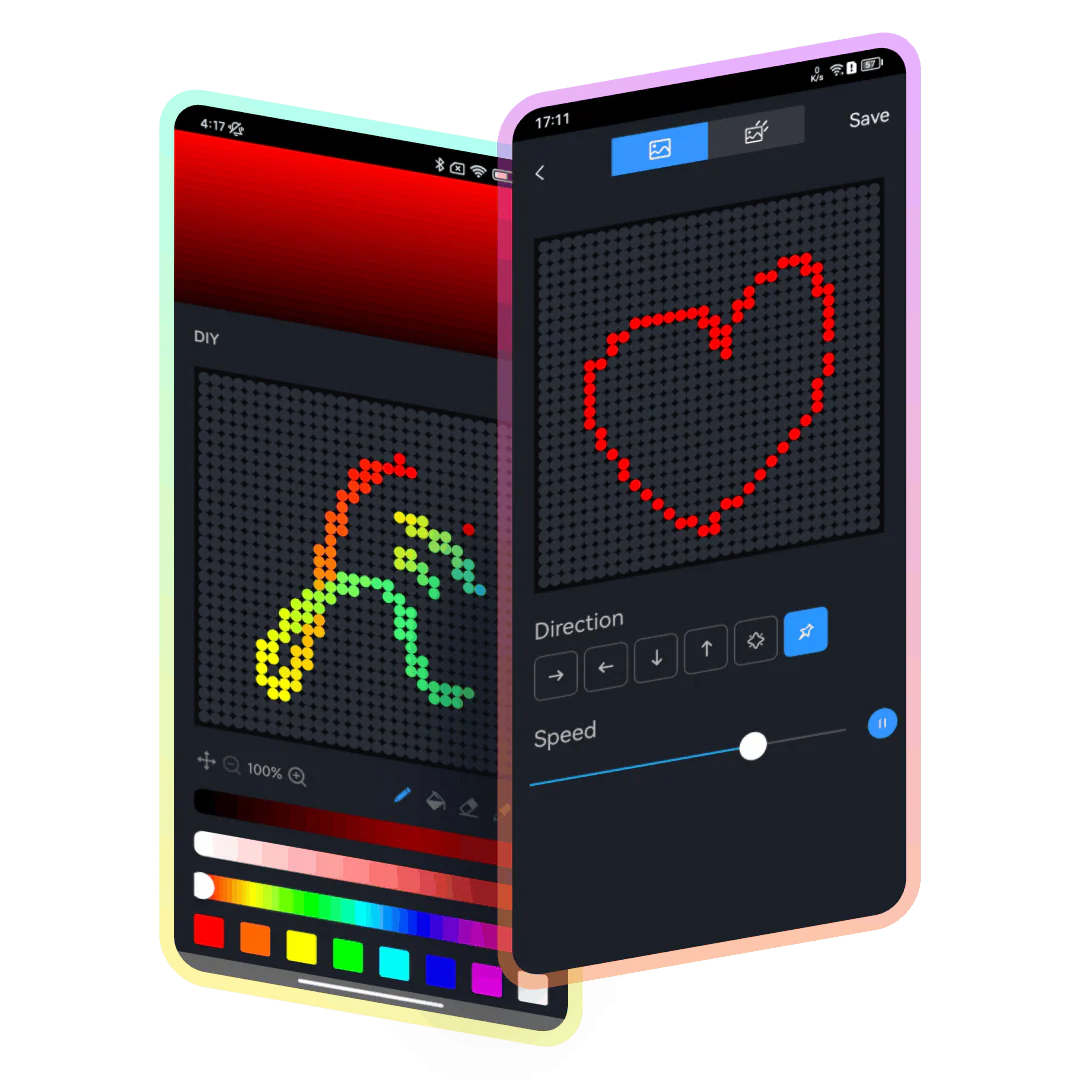 | DIY Easily set up corresponding colors for each bulb with built-in multiple DIY modes that meet the needs of different scenarios. Meanwhile, it allows users to fully unleash their creativity and imagination, making the decoration of light strings even more personalized and distinctive, presenting unique lighting effects. |
Animation and Looping We provide hundreds of excellent preset animation effects that support looping playback. You can simply turn on the looping mode and choose the animation you want to loop. | 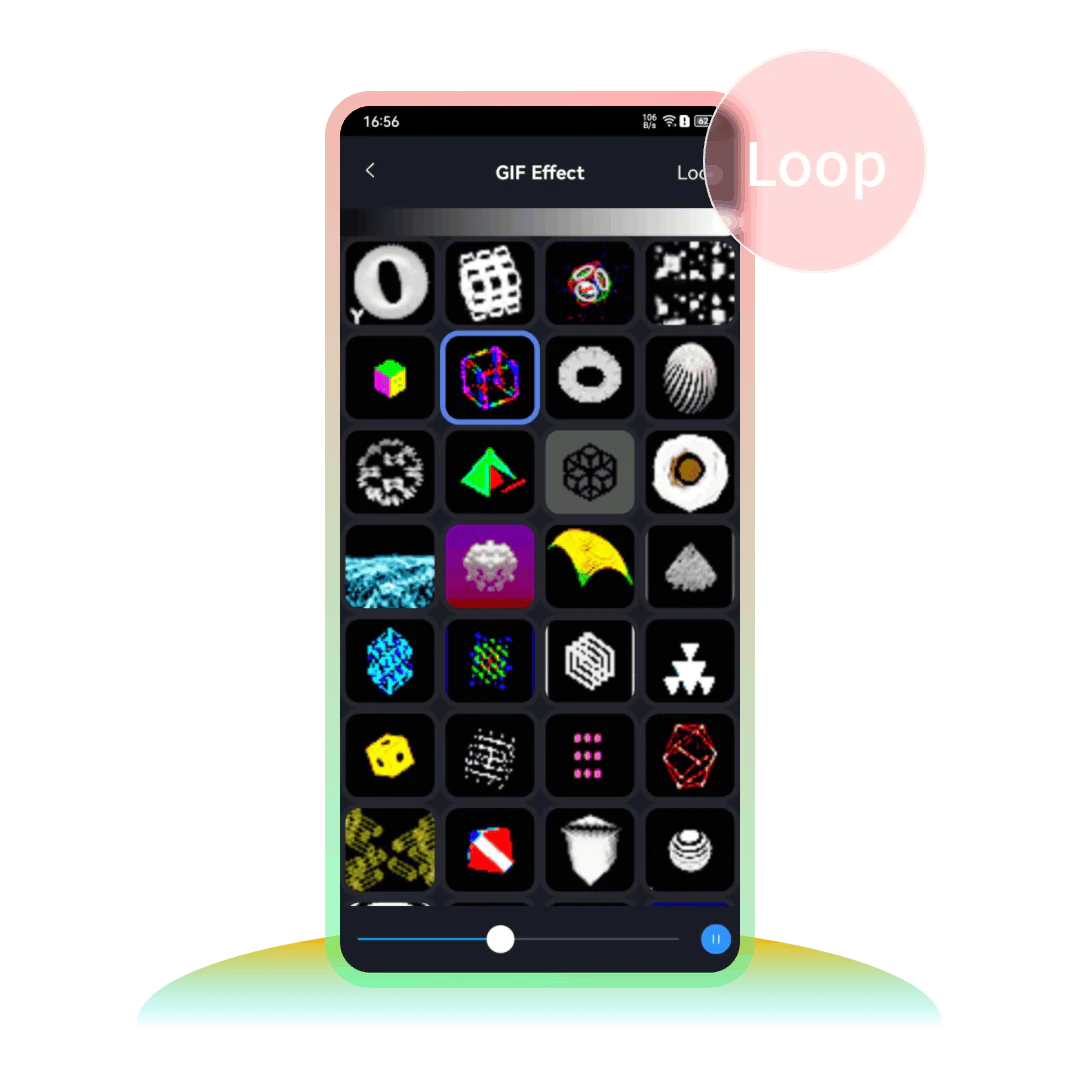 |
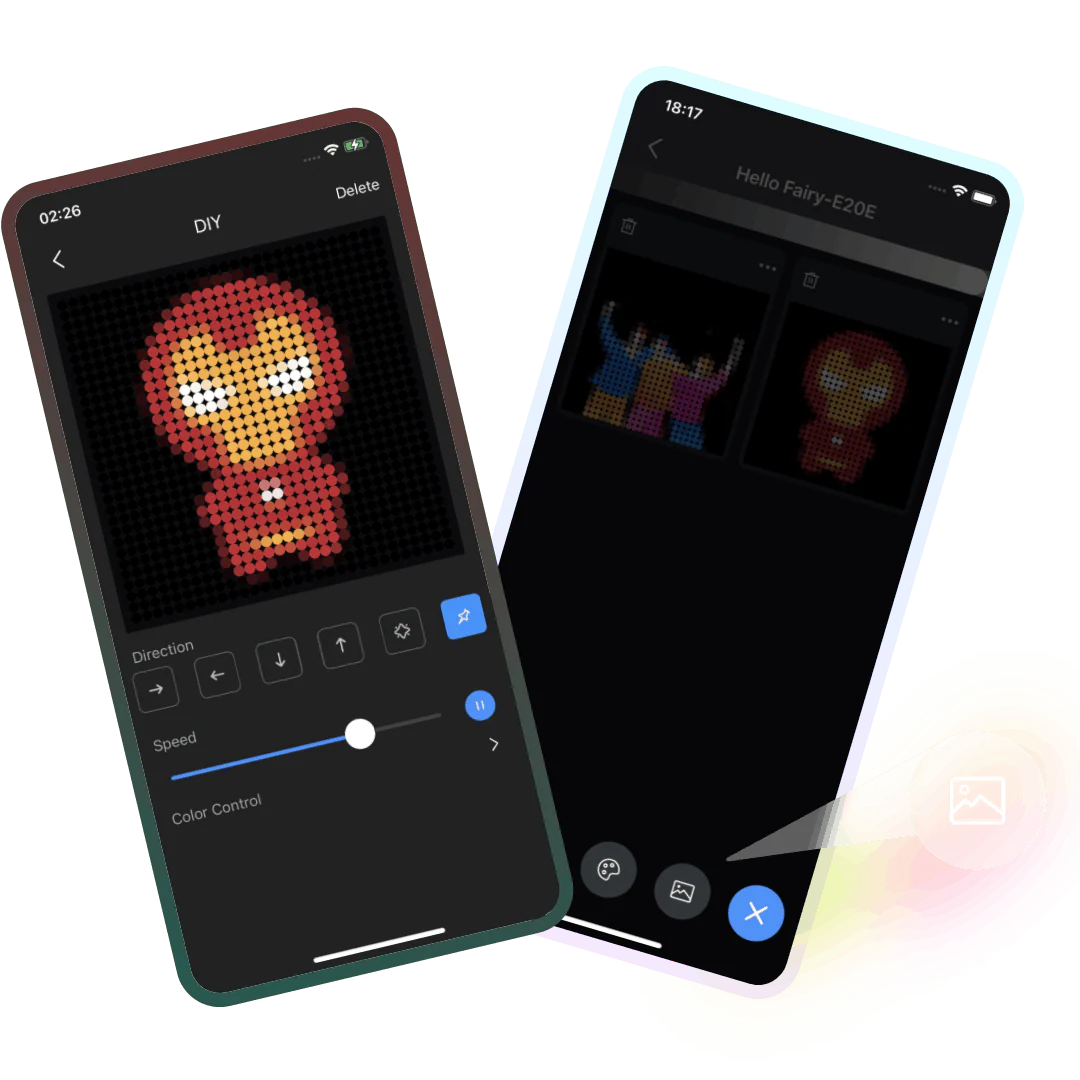 | Image Generation Effects (Photography) “900L” window curtain lights support uploading images from the album or taking photos on-site to convert into pixelated-style flashing effects. More surprises await you to discover. |
Device flip The curtain lights support screen flipping, and the front-back image swapping does not require manually changing the device’s hanging position. Just turn on the “flip” switch in the app. | 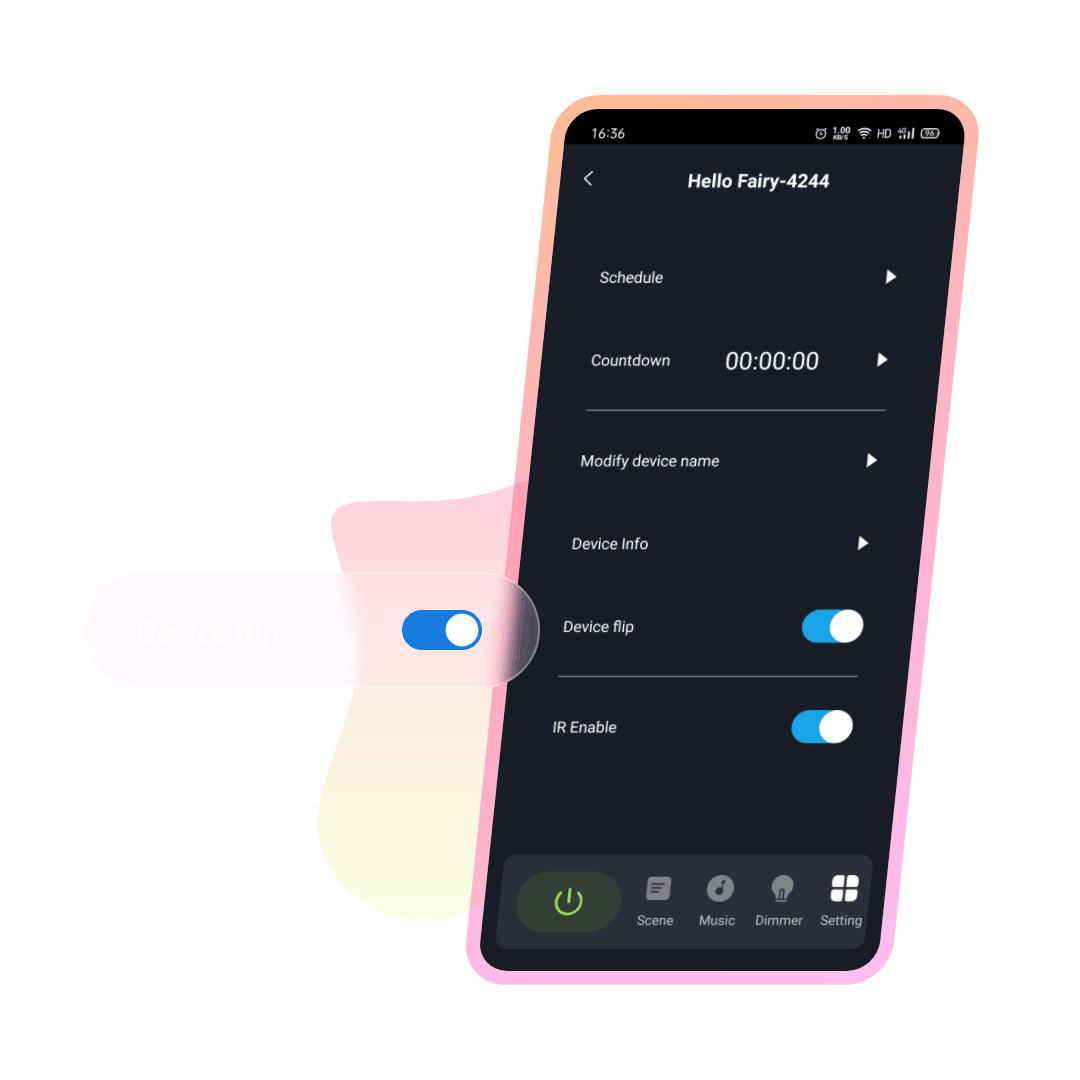 |
 | Musical Rhythm Music Rhythm provides 4 music modes, namely: “Energy”, “Rhythm”, “Roll”, “Spectrum”. In different modes, parameters such as “Sensitivity” can be adjusted. You can also set the “Auto/Manual” mode, when you switch to the manual mode, you can set the flashing color yourself. |
RGB Dimming In theory, it supports 16 million colors for adjustment. Lightly press and drag the color picker in the color wheel with your finger, and the light can be switched to the desired color. |  |
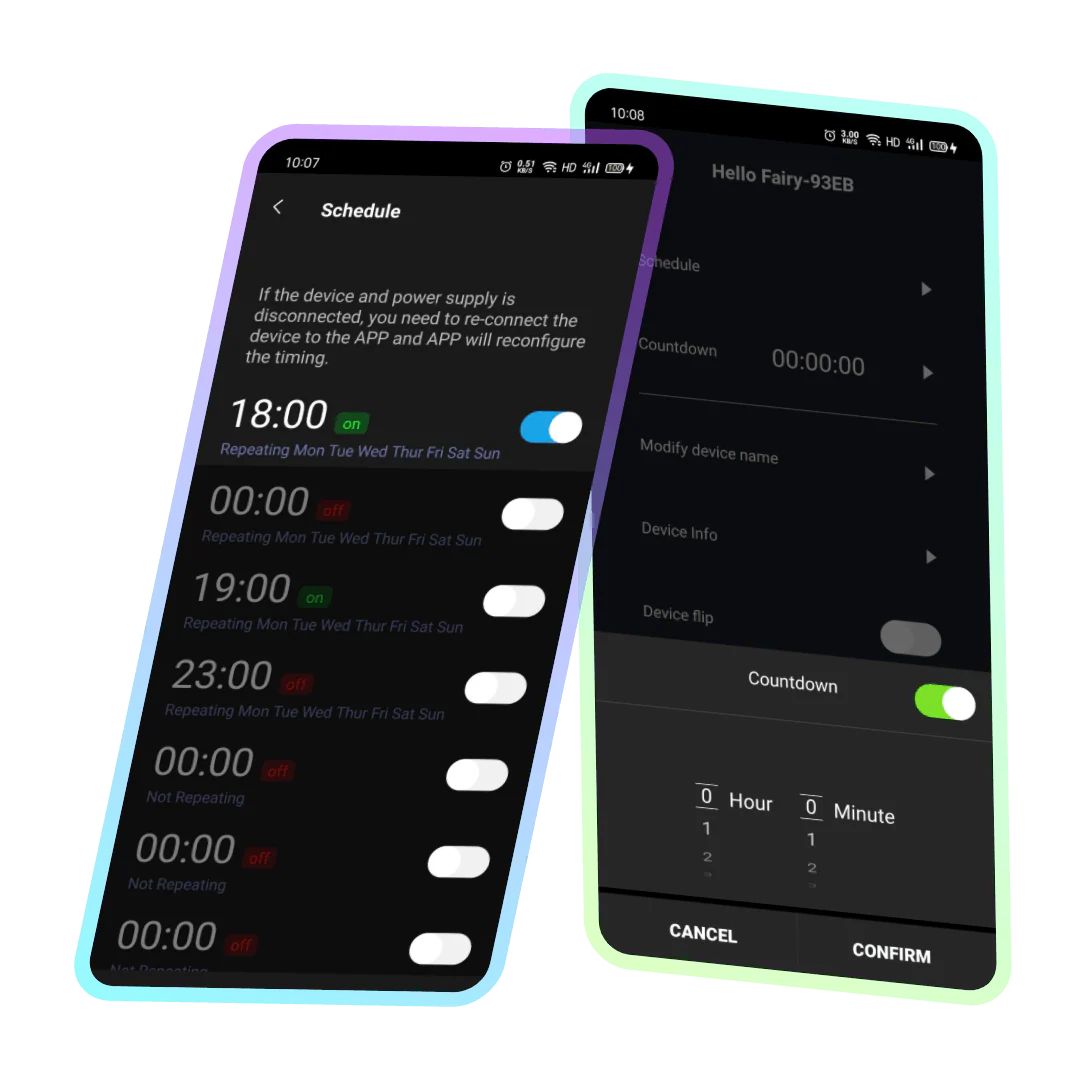 | Timing/Countdown Create a timer to turn on/off the light like setting an alarm clock, which is convenient and quick to avoid forgetting; Set a countdown, the lights will turn off automatically after the countdown is over. |

Pre-set Scene Effects There are dozens of pre-set magical flicker effects that can easily match various scenes and atmospheres, allowing you to enjoy a visual feast of lighting anytime, anywhere. | 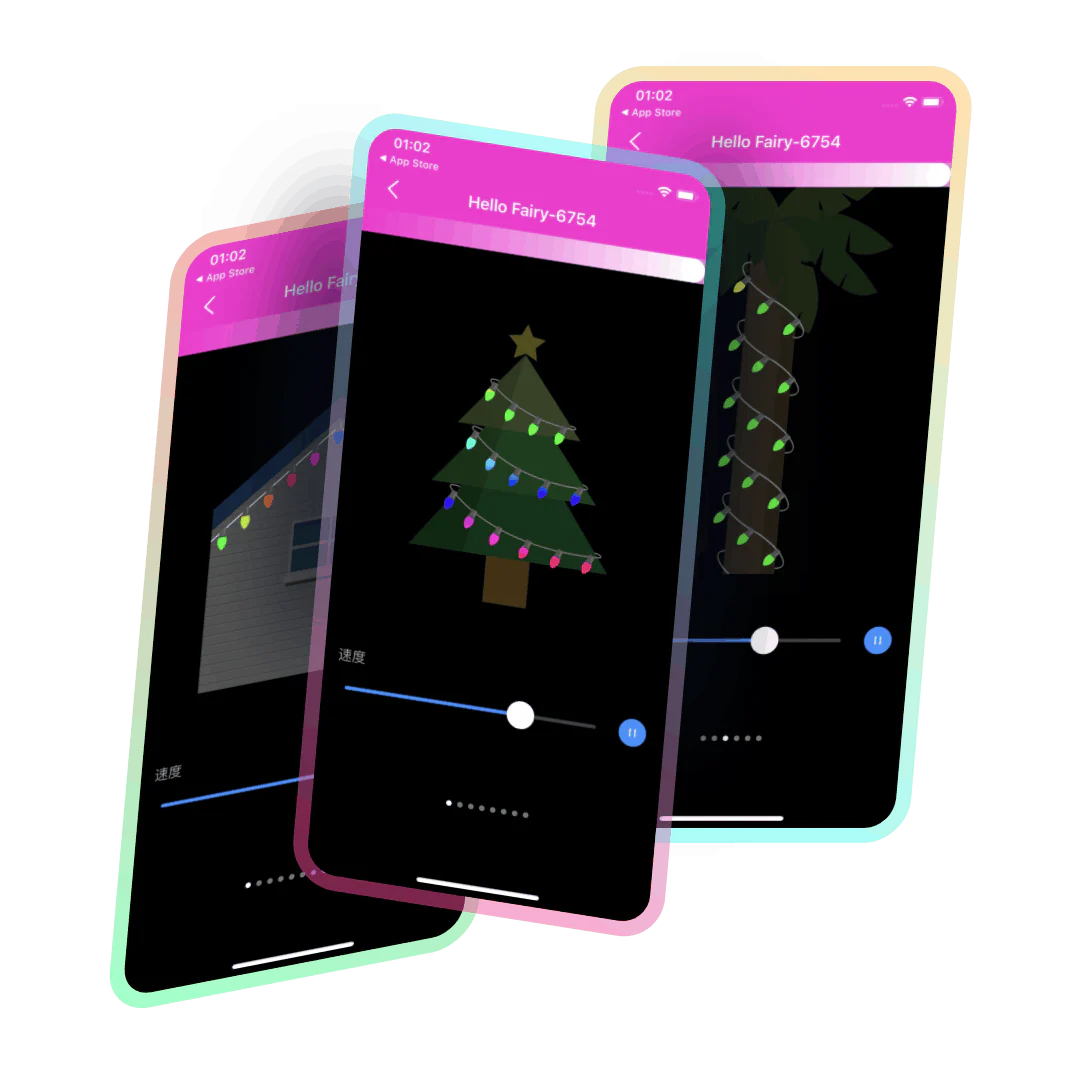 |
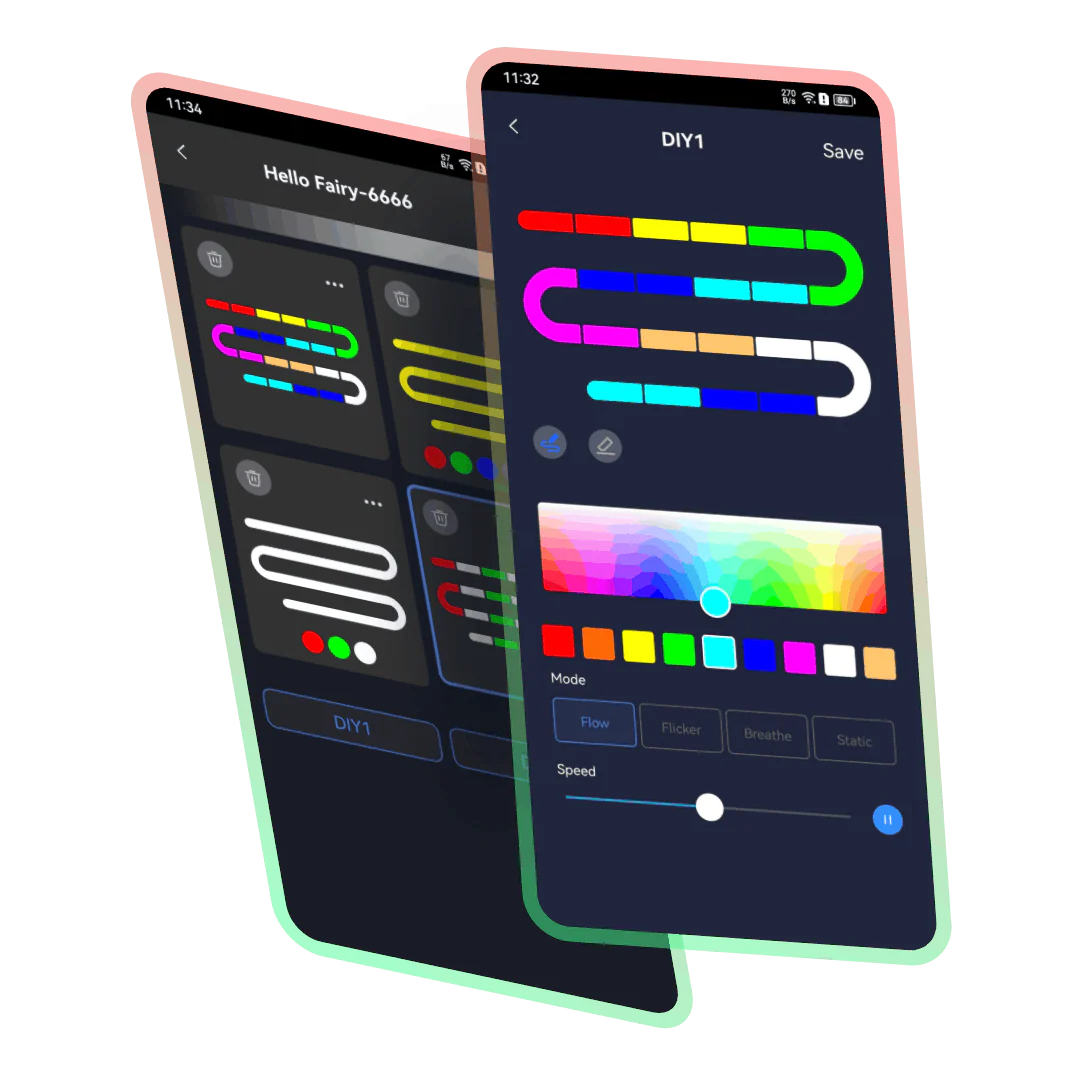 | DIY This product supports DIY customization of your favorite colors and patterns, allowing you to freely create personalized lighting effects. With this feature, you can easily adjust the lighting according to your preferences and needs, making it suitable for any occasion or environment. |
Expansion Linking Support multi-light string expansion connection. Multiple light strings, connected together by connectors, can be combined and split, and can be used in more and wider scenarios. | 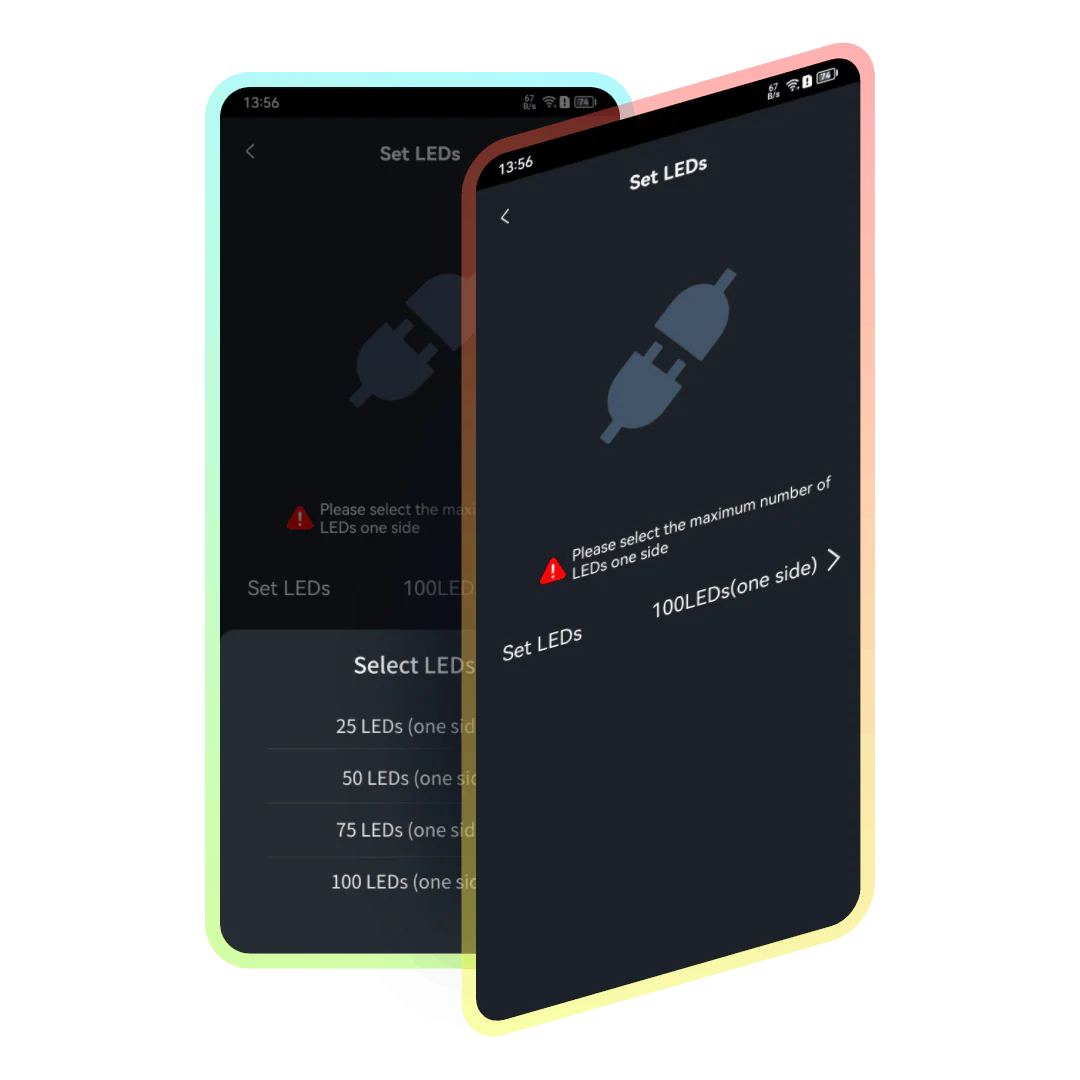 |
 | Musical Rhythm Music Rhythm provides 4 music modes, namely: “Energy”, “Rhythm”, “Roll”, “Spectrum”. In different modes, parameters such as “Sensitivity” can be adjusted. You can also set the “Auto/Manual” mode, when you switch to the manual mode, you can set the flashing color yourself. |
RGB Dimming In theory, it supports 16 million colors for adjustment. Lightly press and drag the color picker in the color wheel with your finger, and the light can be switched to the desired color. |  |
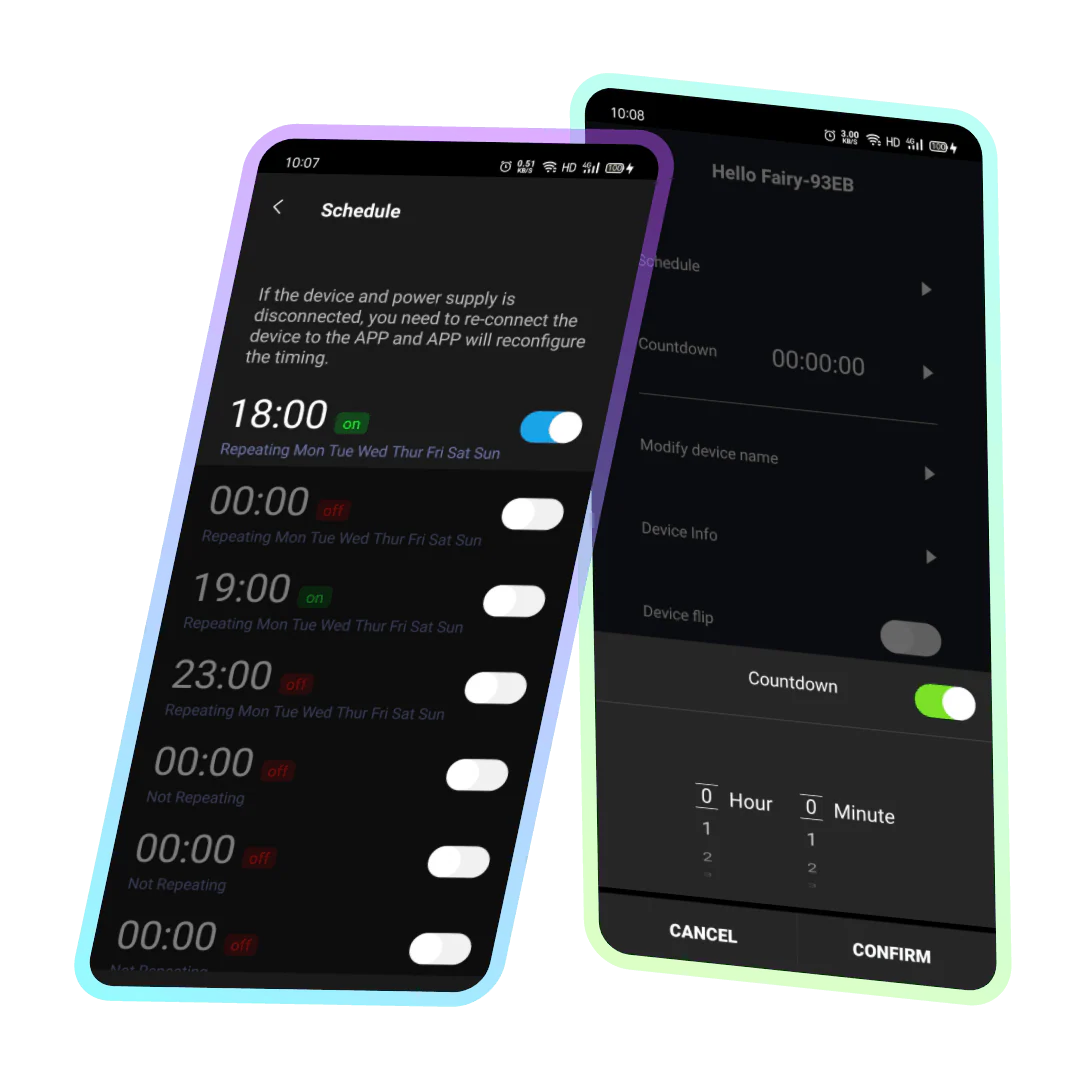 | Timing/Countdown Create a timer to turn on/off the light like setting an alarm clock, which is convenient and quick to avoid forgetting; Set a countdown, the lights will turn off automatically after the countdown is over. |
Lined series products The Lined series products offer three different combination modes, each with multiple pre-set flashing effects. They support custom DIY flashing effects and can easily achieve great results whether decorating building outlines, hanging in courtyards, or decorating rooms.
| 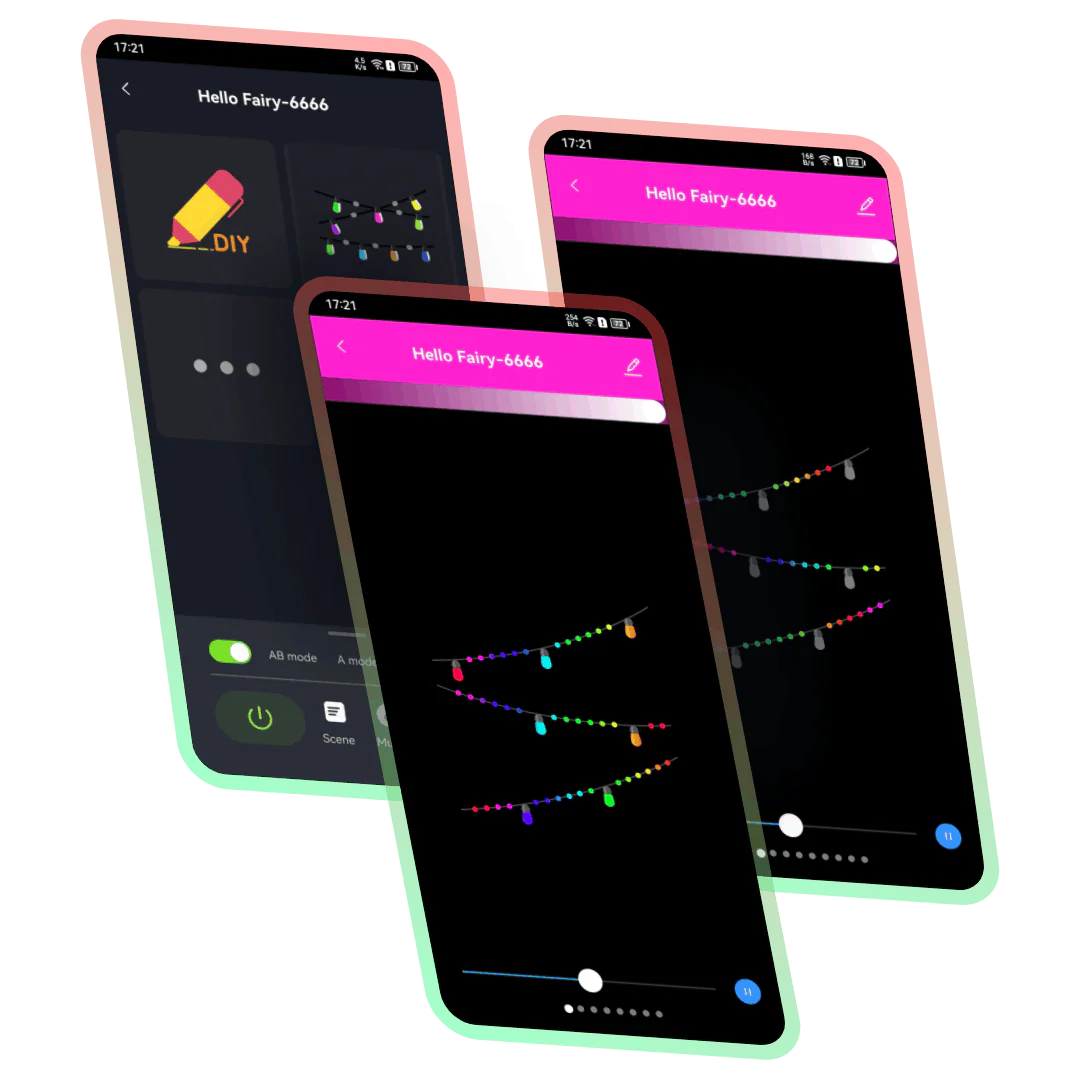 |
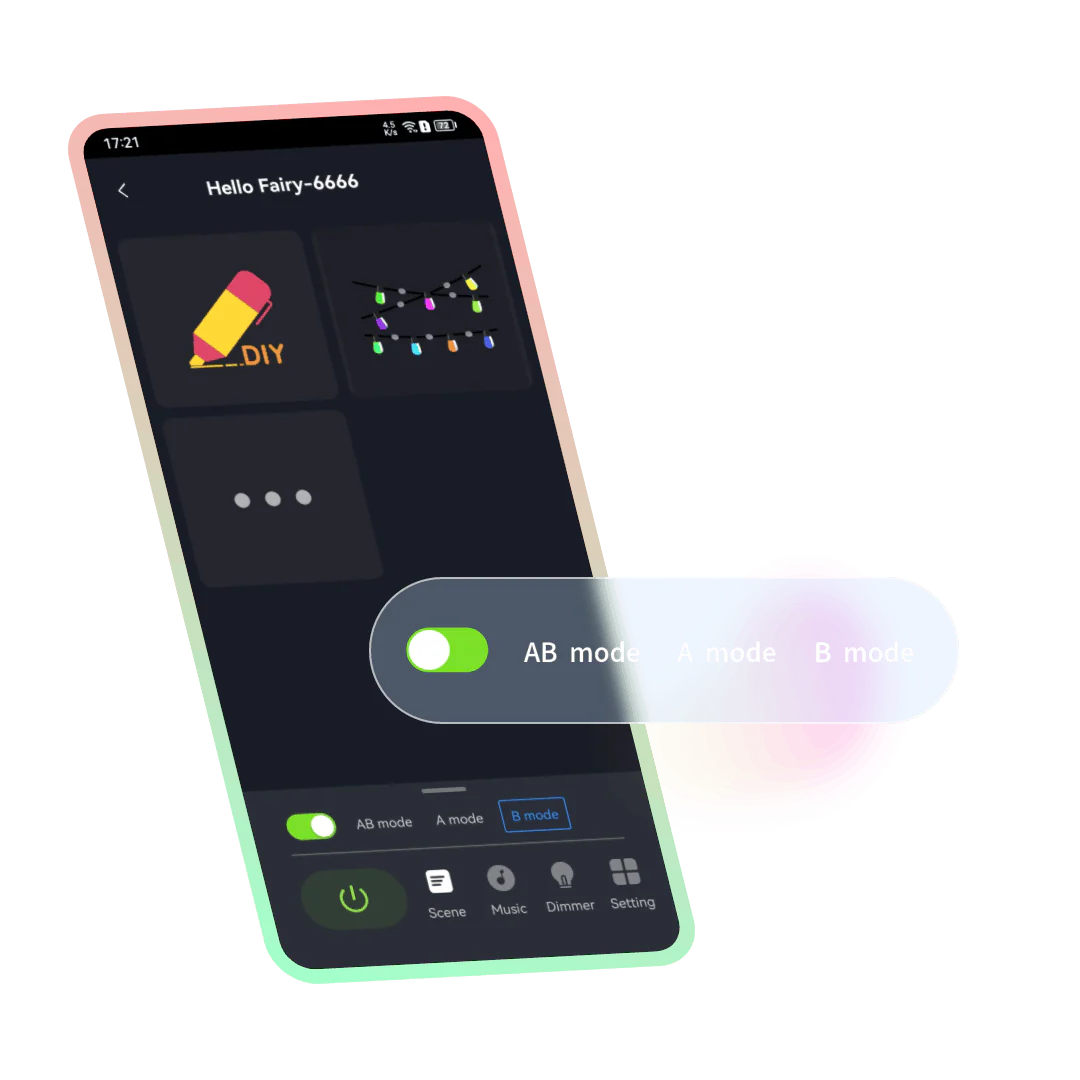 | Combination modes Offering the option of “AB mode”, “A mode” and “B mode” to separately control the big and small lights, which can achieve limitless lighting effects by controlling them separately.
|
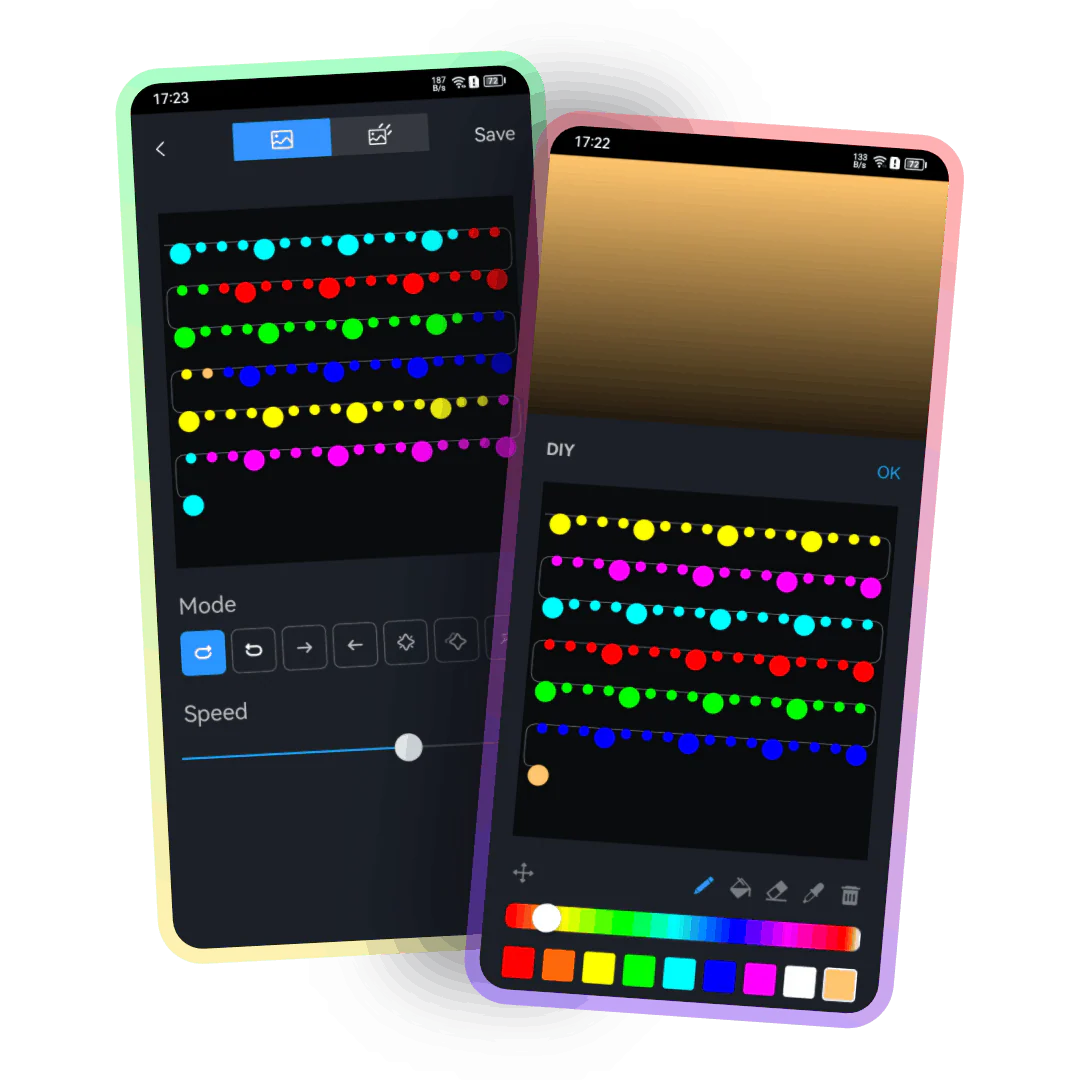
DIY Different combination modes support independent DIY settings, with multiple modes available for selection, such as: loop marquee, marquee, flashing, breathing, or creating more frames to bring more changes.
|  |
| Musical Rhythm Music Rhythm provides 4 music modes, namely: “Energy”, “Rhythm”, “Roll”, “Spectrum”. In different modes, parameters such as “Sensitivity” can be adjusted. You can also set the “Auto/Manual” mode, when you switch to the manual mode, you can set the flashing color yourself.
|

RGB Dimming In theory, it supports 16 million colors for adjustment. Lightly press and drag the color picker in the color wheel with your finger, and the light can be switched to the desired color.
|  |
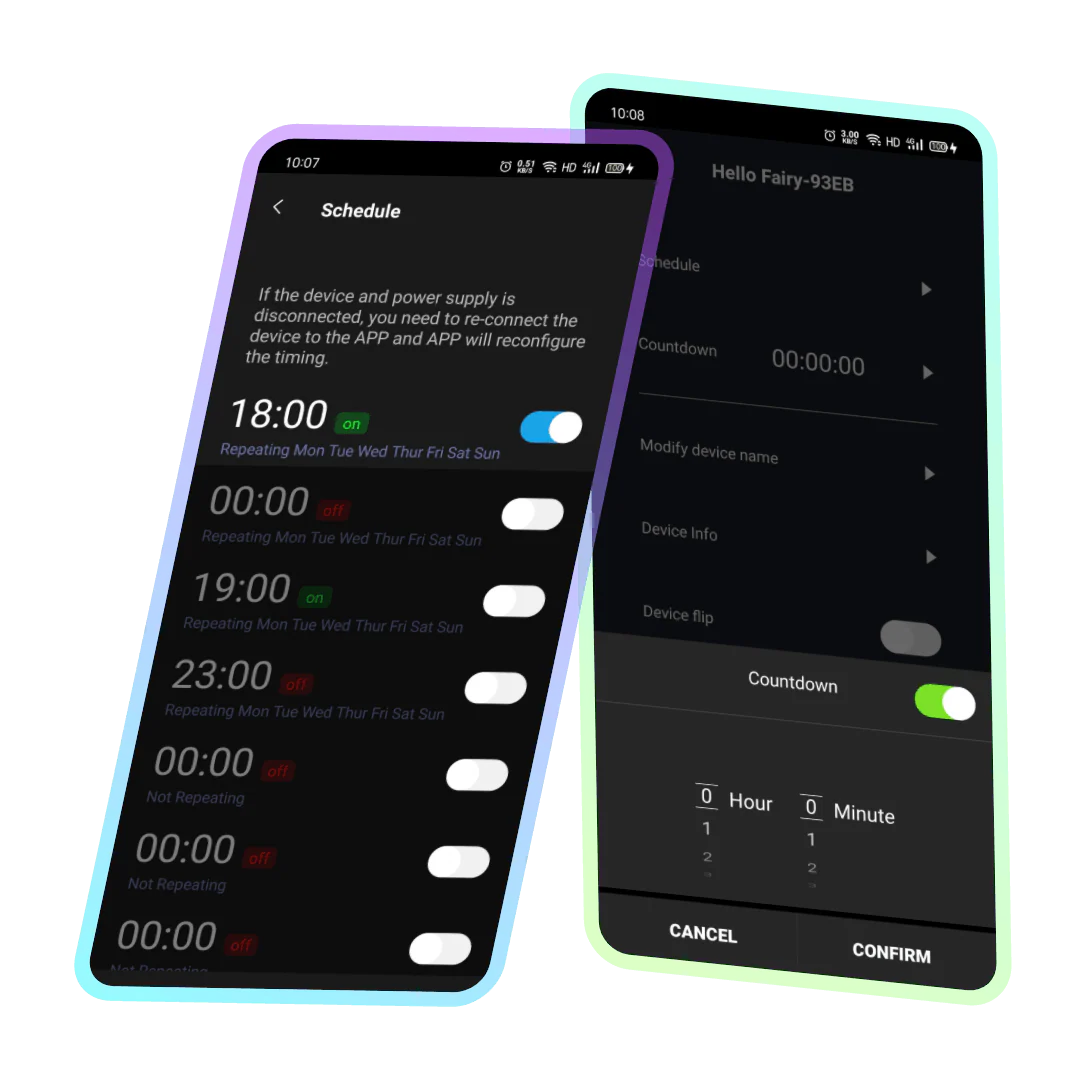 | Timing/Countdown Create a timer to turn on/off the light like setting an alarm clock, which is convenient and quick to avoid forgetting; Set a countdown, the lights will turn off automatically after the countdown is over. |
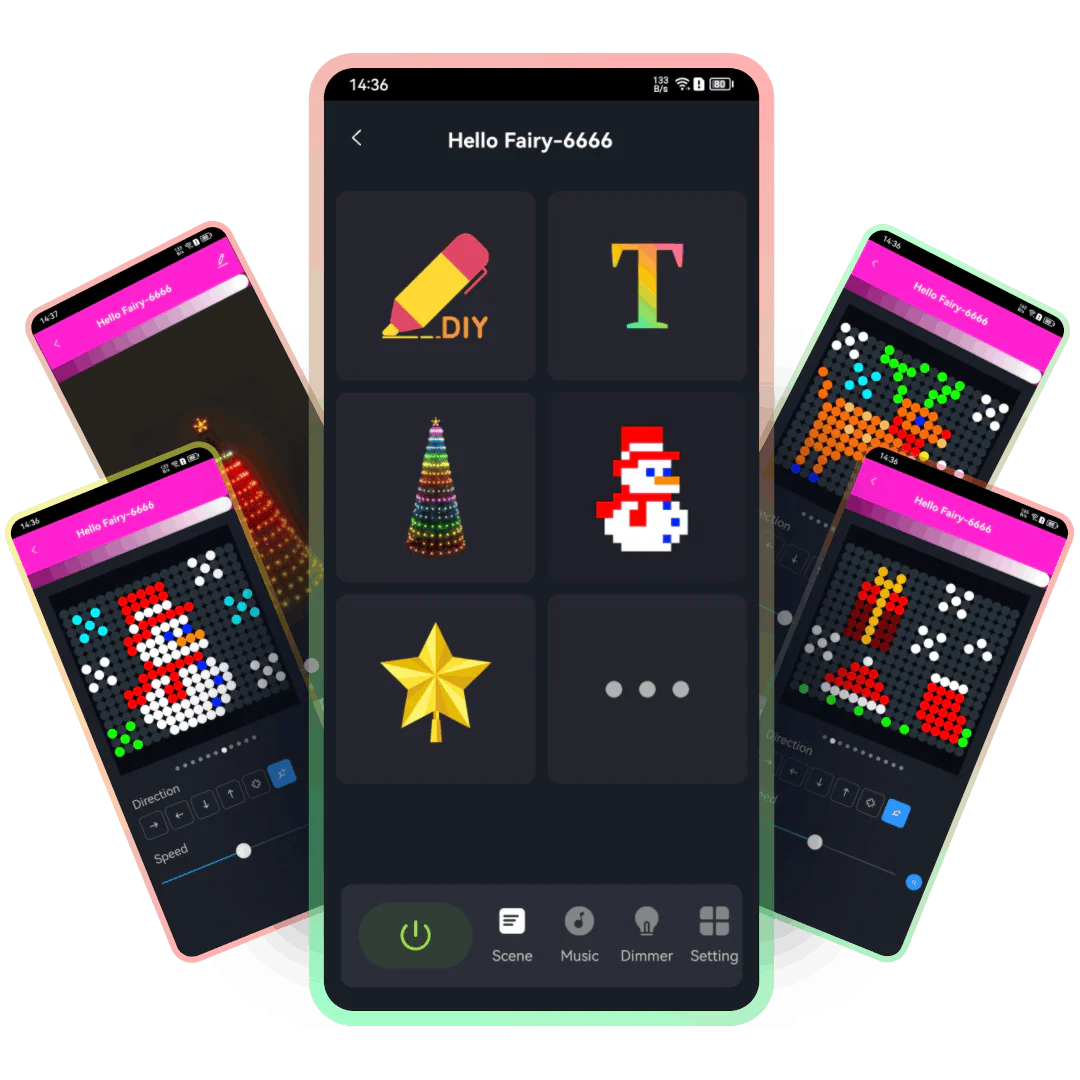
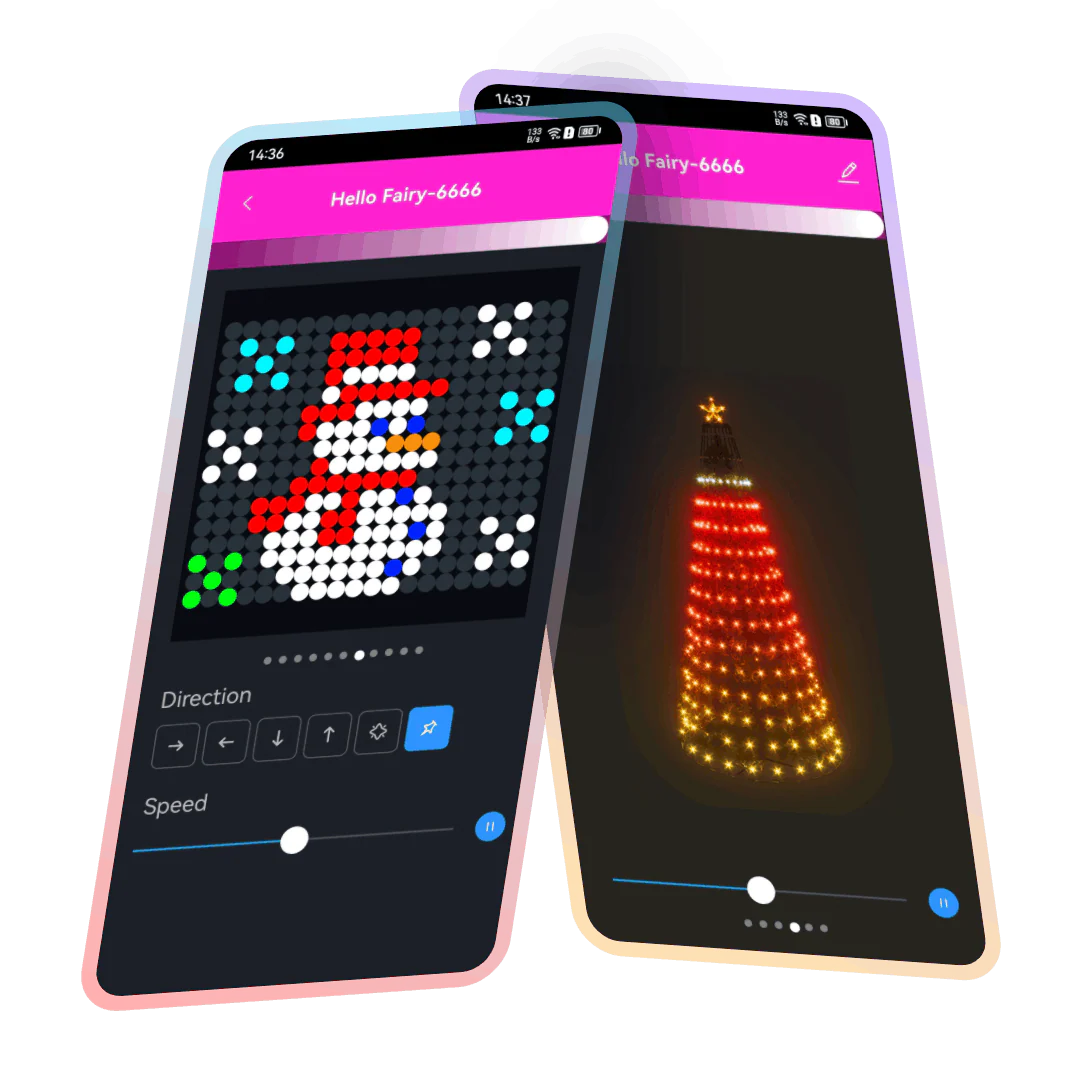 | Twinkling effect and pixel art Pre-set with various fun twinkling effects, the perfect fusion of pixel art and LED lights brings a unique visual experience. There is always a effect that you will like, suitable not only for decorating courtyards, rooms, but also parties… |
DIY Easily set up corresponding colors for each bulb with built-in multiple DIY modes that meet the needs of different scenarios. Meanwhile, it allows users to fully unleash their creativity and imagination, making the decoration of light strings even more personalized and distinctive, presenting unique lighting effects. | 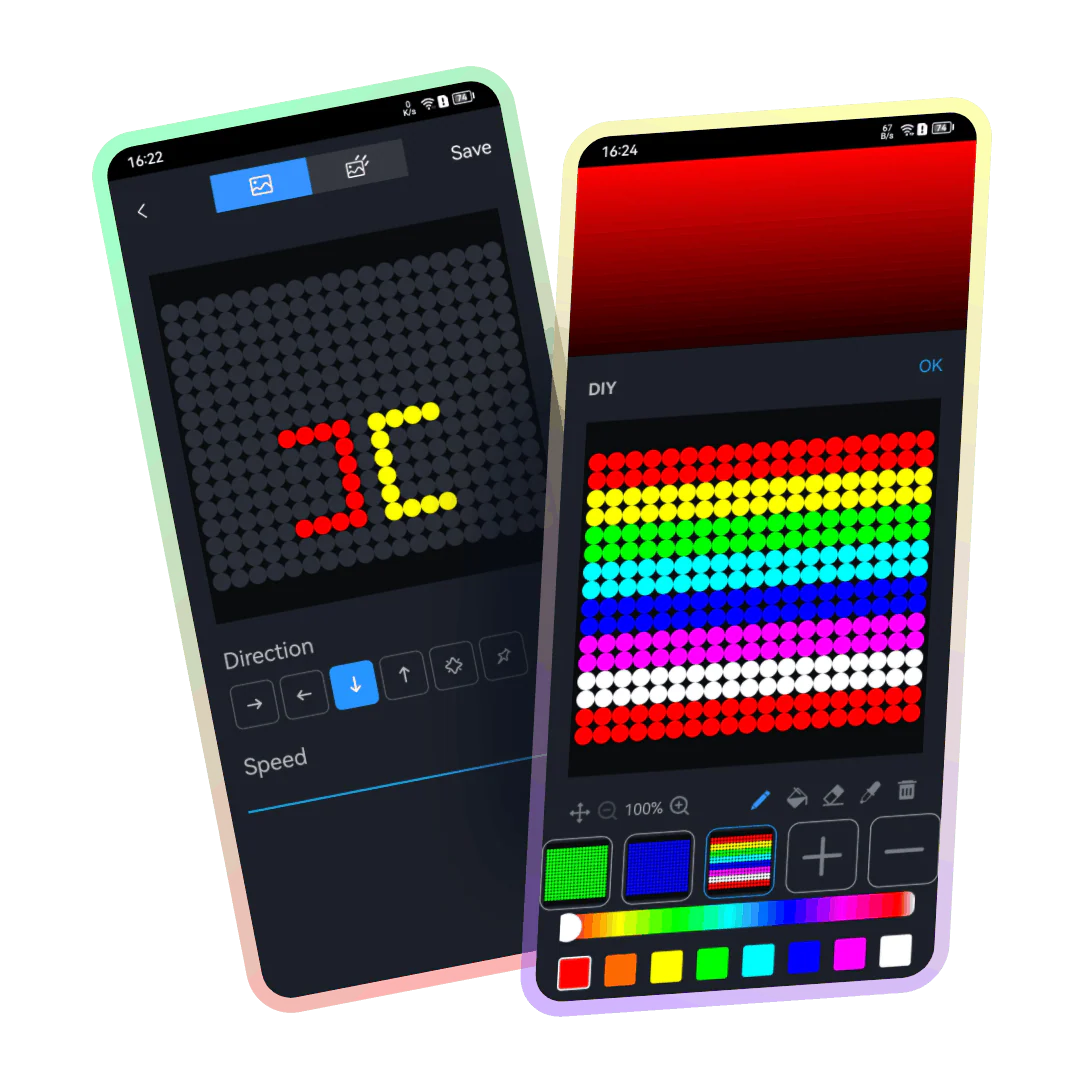 |
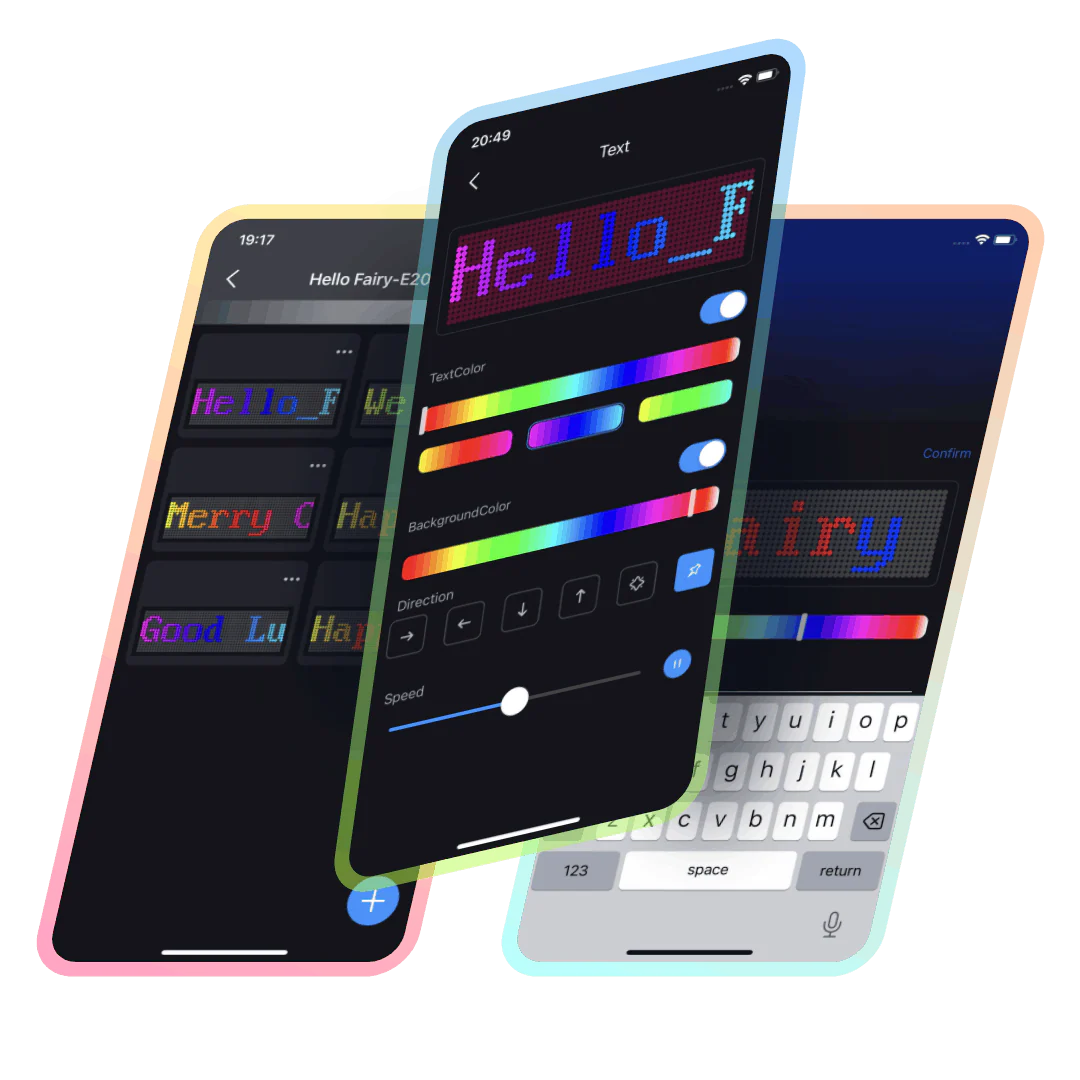 | Text subtitle effects By simply entering English letters, one can generate subtitle effects and display them on the light strings in various ways such as flashing or scrolling. For example, by typing “Happy Birthday,” birthday congratulations can be displayed, or festive greetings can be shown using light strings to enhance the atmosphere during special holidays. Therefore, this feature not only expands the range and creativity of light string use but also creates more possibilities for fun. |
The stars on the treetop The tree-top stars provide two modes, namely “Follow” and “Static”. Follow mode means that they change together with the main string lights. You can choose the appropriate mode according to your needs. | 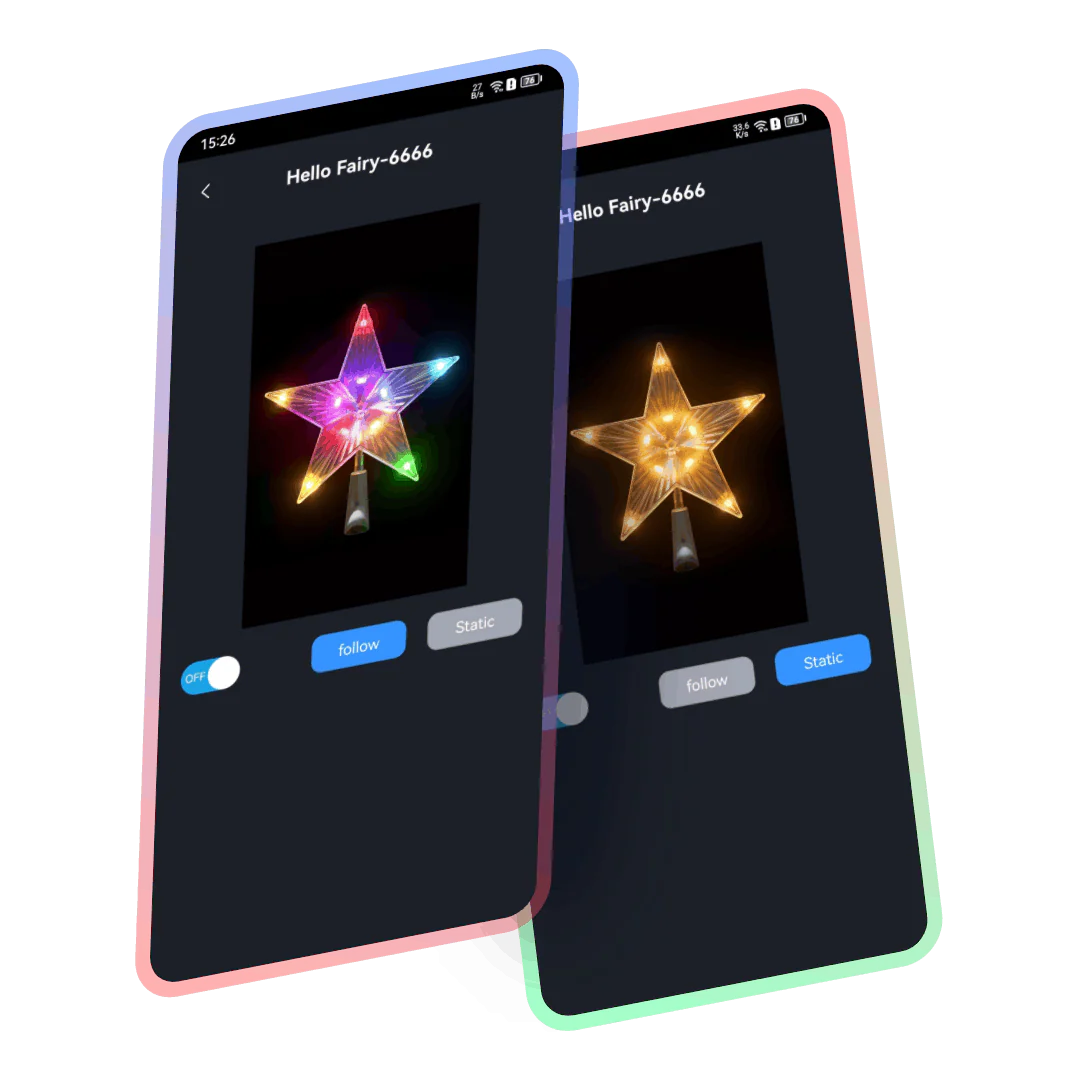 |
| Musical Rhythm Music Rhythm provides 4 music modes, namely: “Energy”, “Rhythm”, “Roll”, “Spectrum”. In different modes, parameters such as “Sensitivity” can be adjusted. You can also set the “Auto/Manual” mode, when you switch to the manual mode, you can set the flashing color yourself. |
RGB Dimming In theory, it supports 16 million colors for adjustment. Lightly press and drag the color picker in the color wheel with your finger, and the light can be switched to the desired color. | |
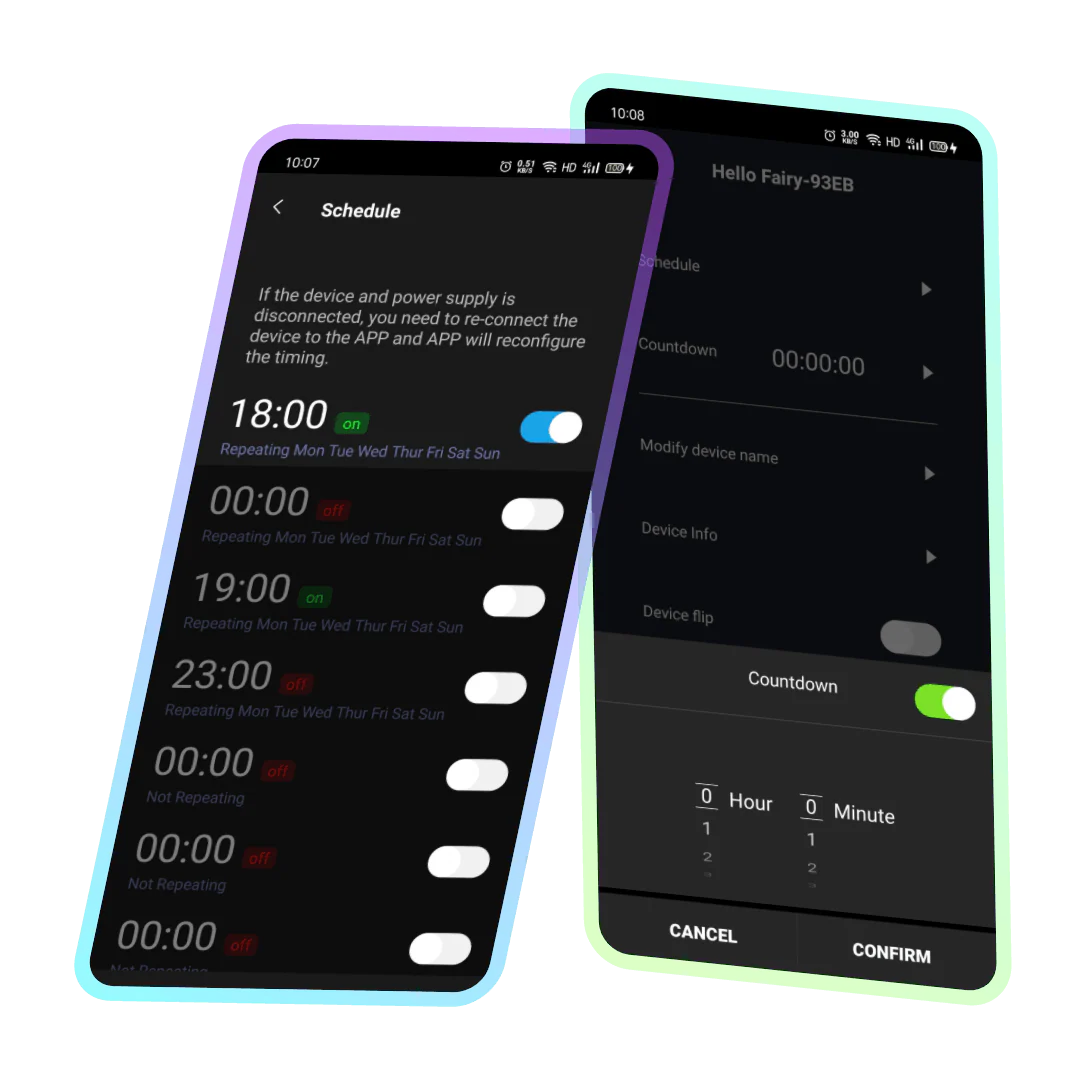 | Timing/Countdown Create a timer to turn on/off the light like setting an alarm clock, which is convenient and quick to avoid forgetting; Set a countdown, the lights will turn off automatically after the countdown is over. |
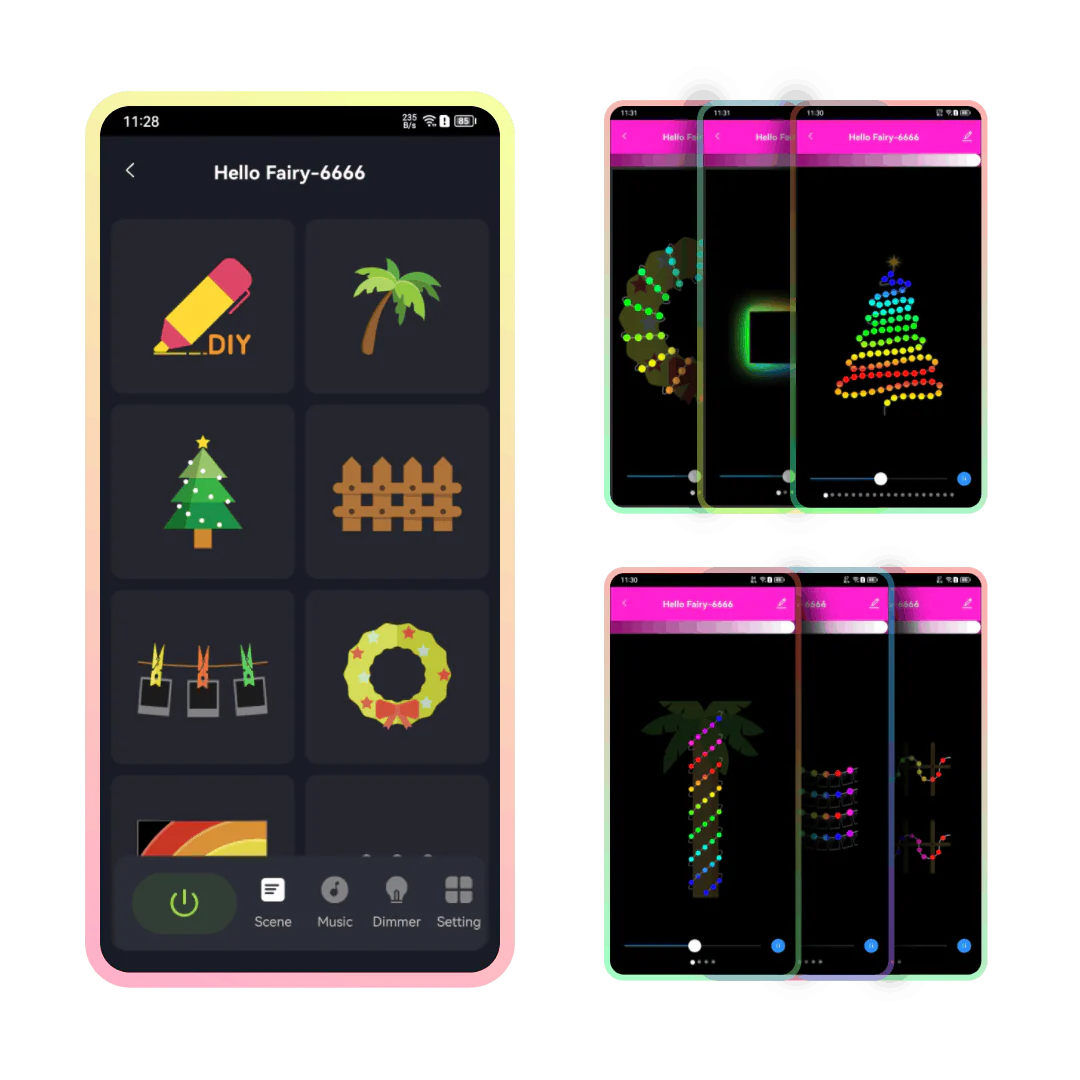
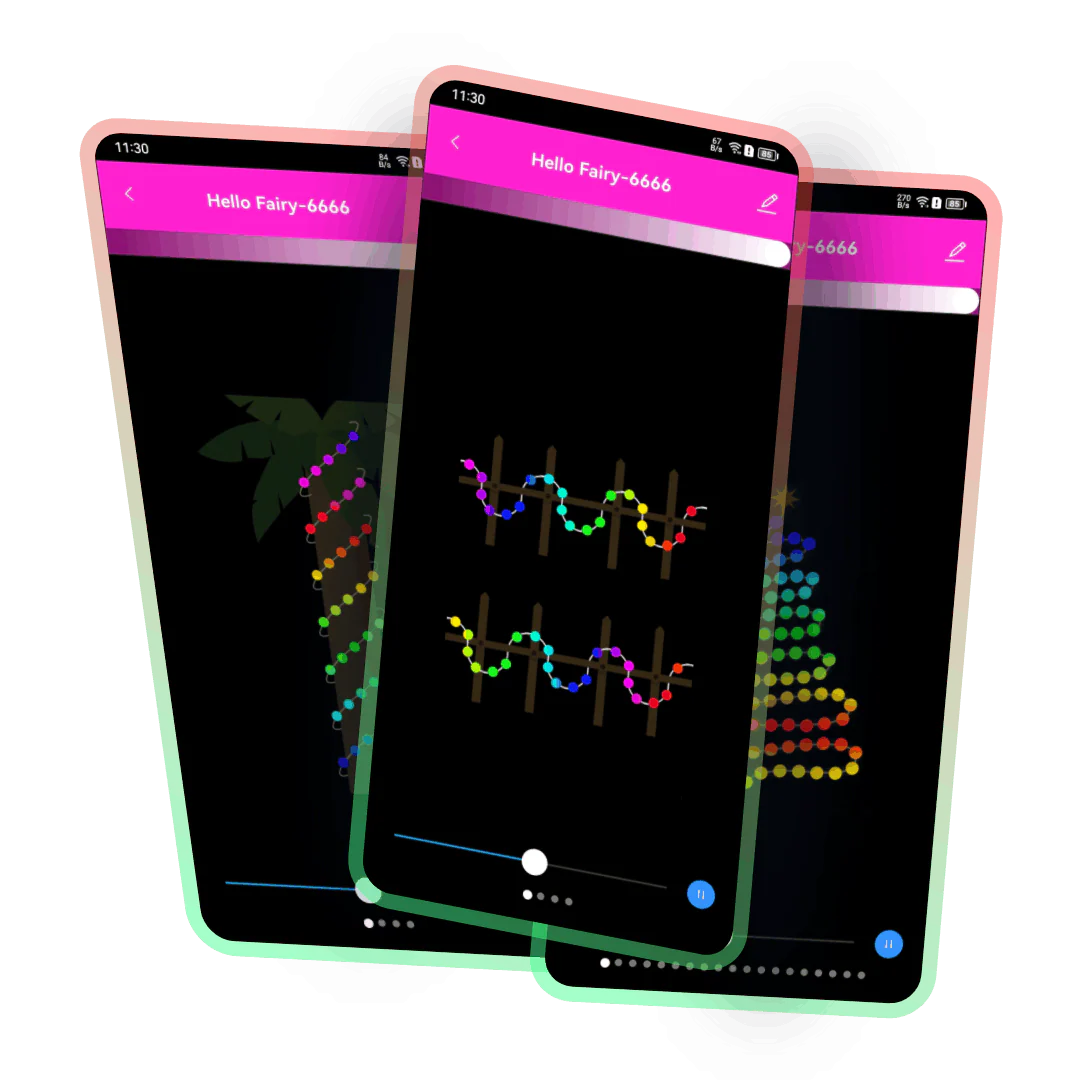 | Pre-set Scene Effects There are dozens of pre-set magical flicker effects that can easily match various scenes and atmospheres, allowing you to enjoy a visual feast of lighting anytime, anywhere. |
DIY This product supports DIY customization of your favorite colors and patterns, allowing you to freely create personalized lighting effects. With this feature, you can easily adjust the lighting according to your preferences and needs, making it suitable for any occasion or environment. | 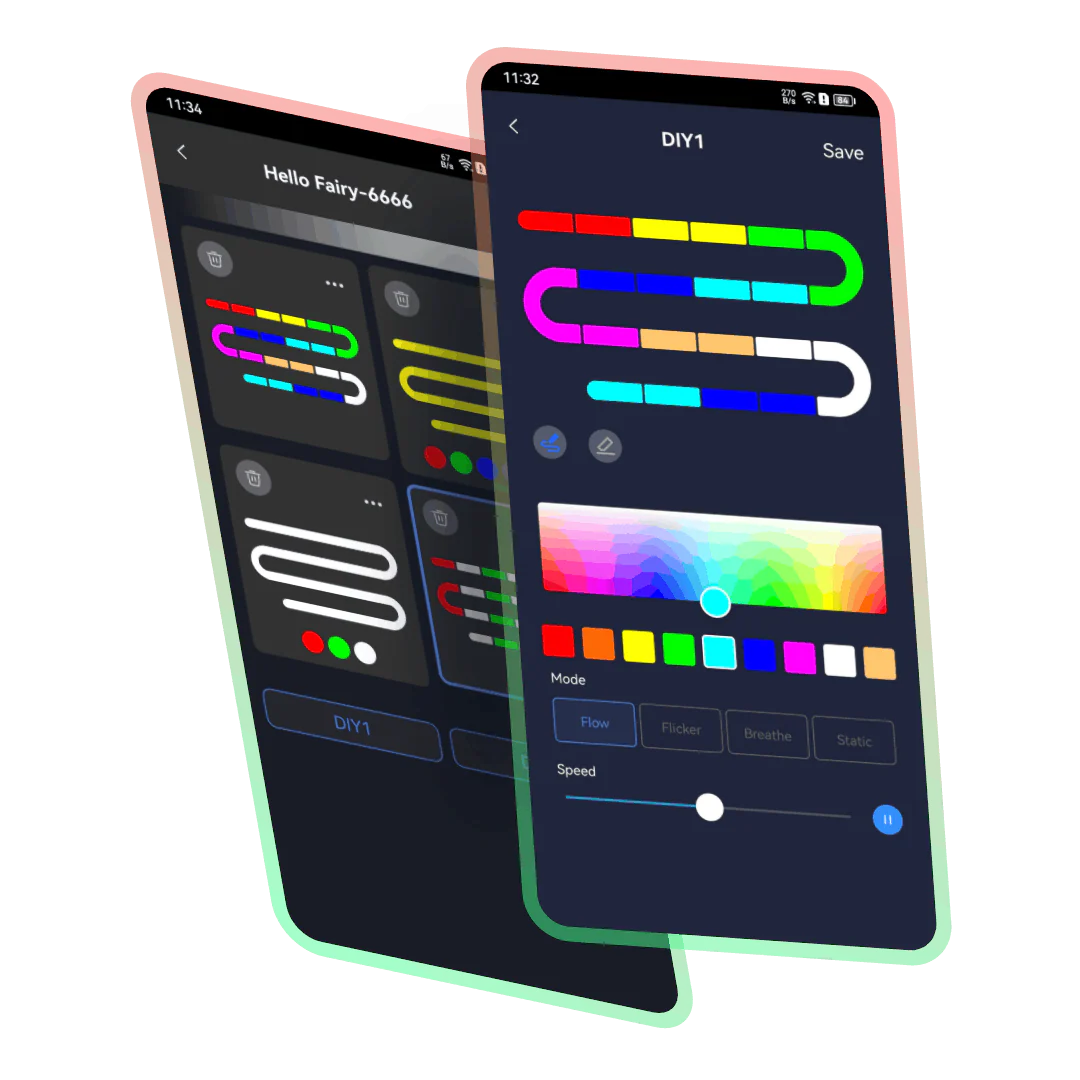 |
| Musical Rhythm Music Rhythm provides 4 music modes, namely: “Energy”, “Rhythm”, “Roll”, “Spectrum”. In different modes, parameters such as “Sensitivity” can be adjusted. You can also set the “Auto/Manual” mode, when you switch to the manual mode, you can set the flashing color yourself. |
RGB Dimming In theory, it supports 16 million colors for adjustment. Lightly press and drag the color picker in the color wheel with your finger, and the light can be switched to the desired color. | |
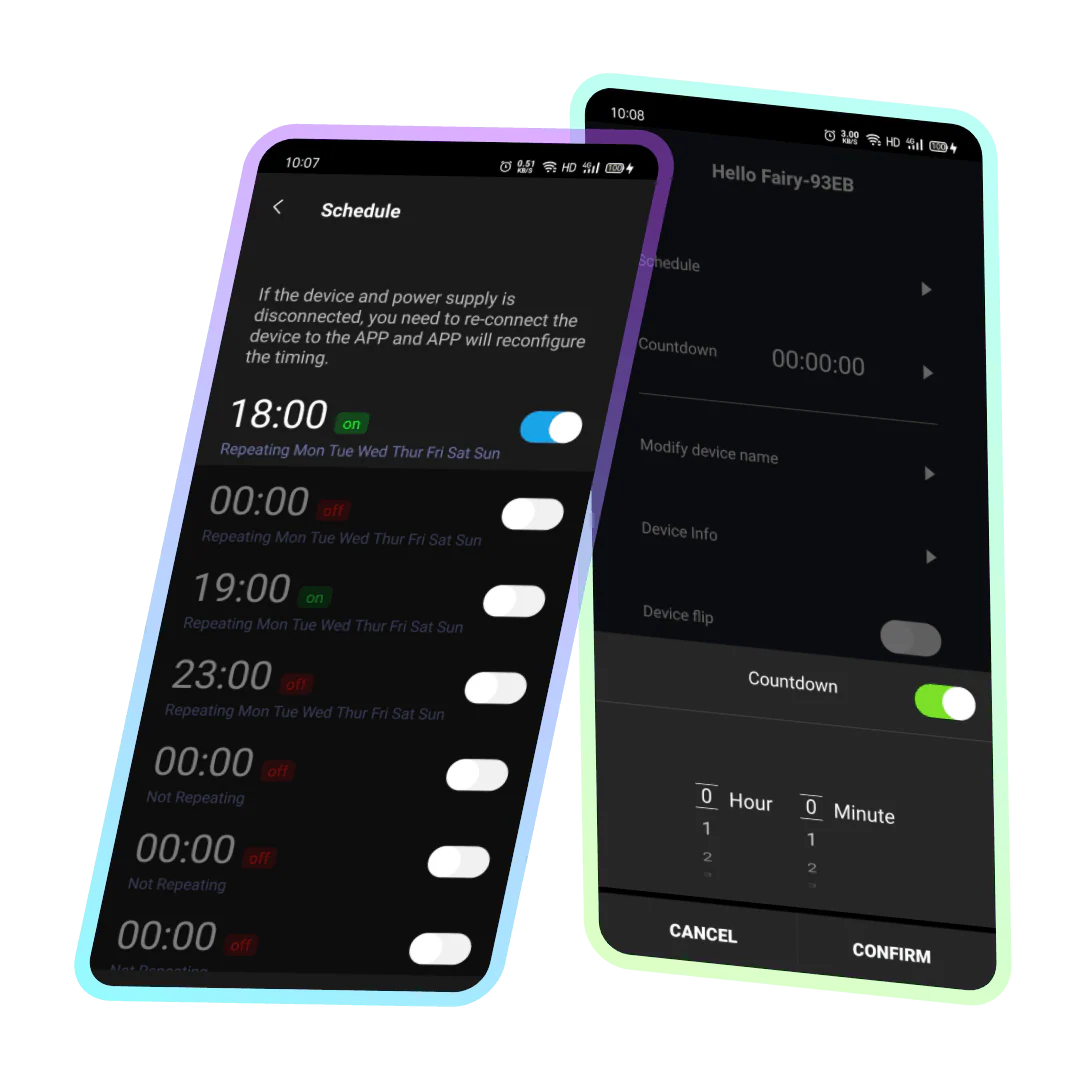 | Timing/Countdown Create a timer to turn on/off the light like setting an alarm clock, which is convenient and quick to avoid forgetting; Set a countdown, the lights will turn off automatically after the countdown is over. |
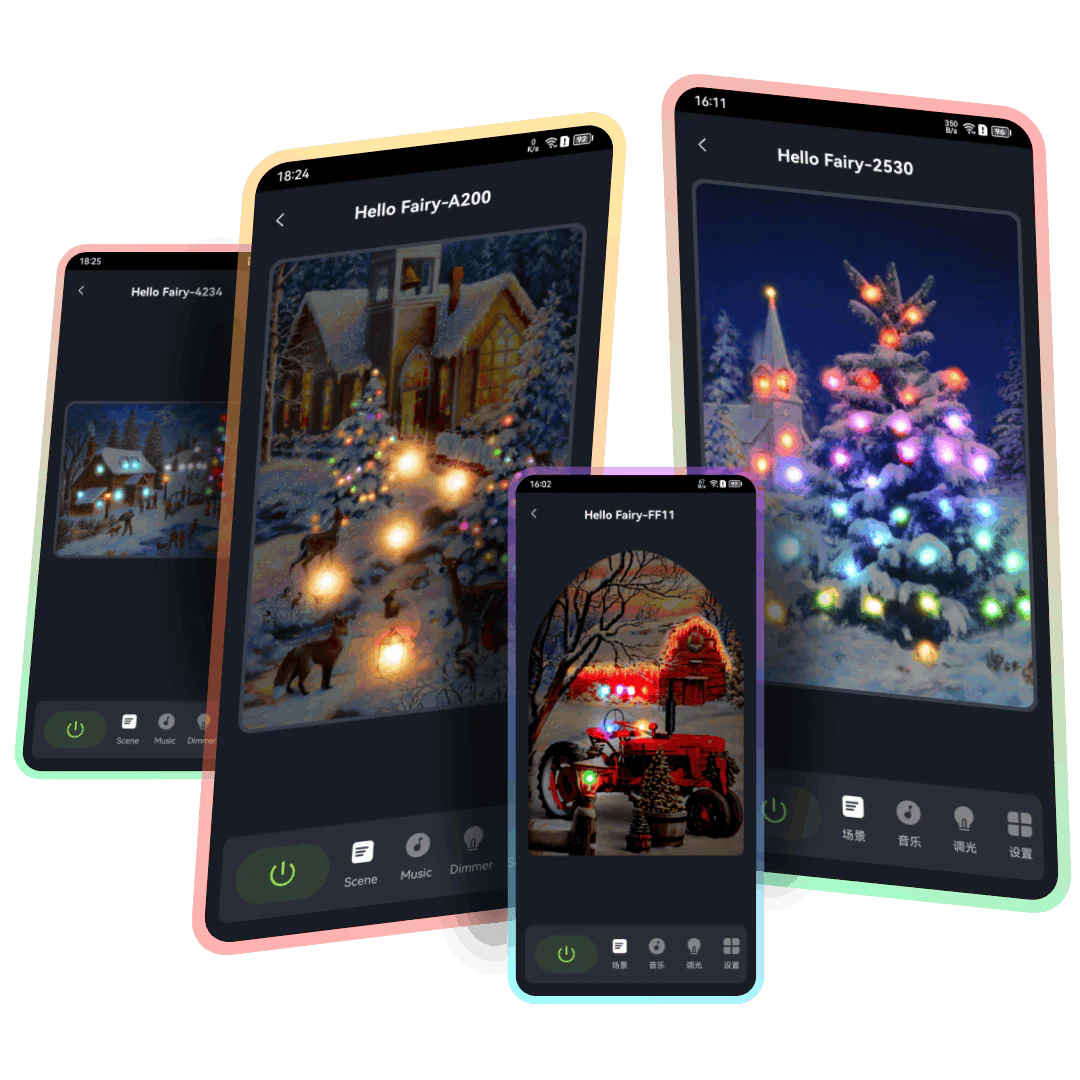
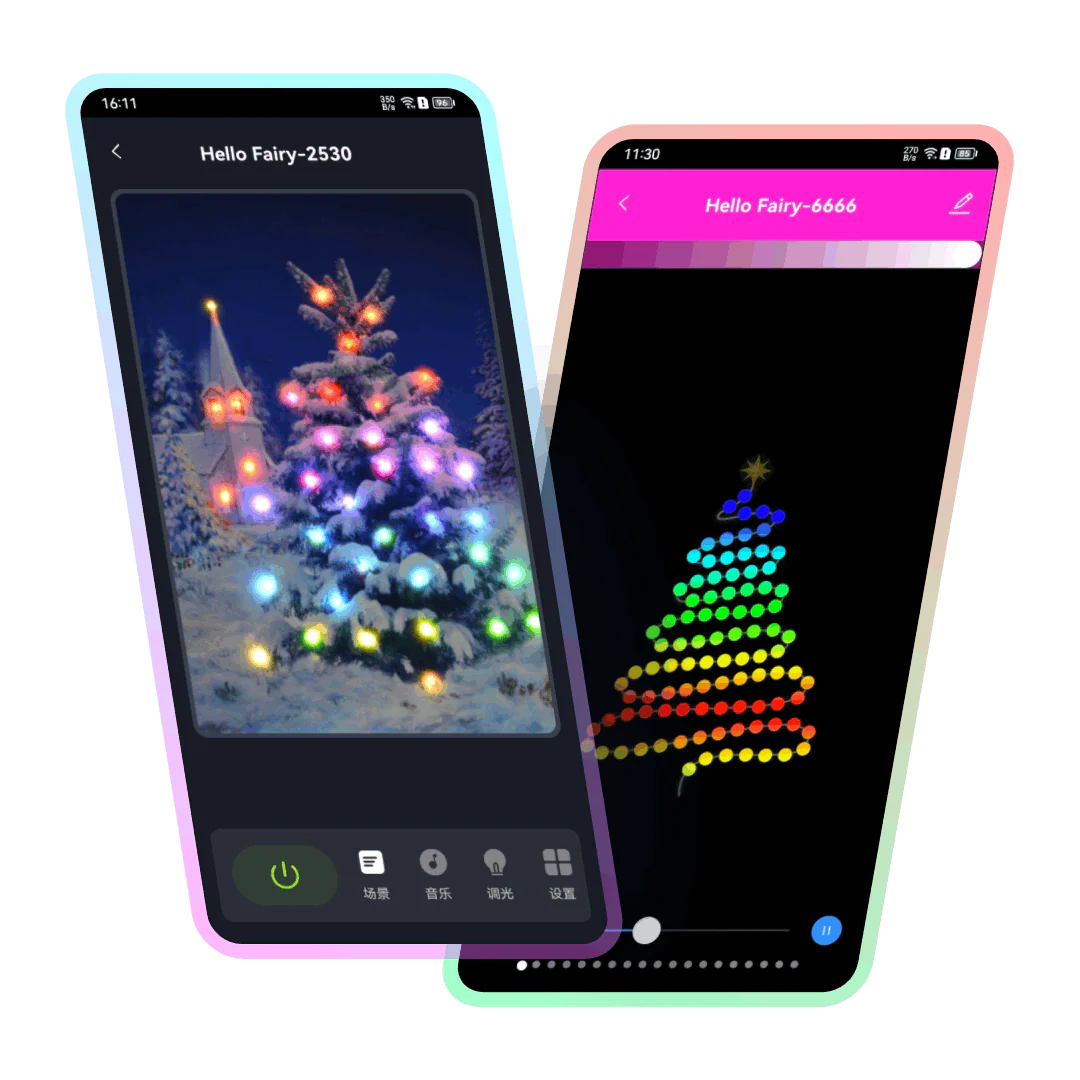 | Pre-set Scene Effects Decorated in spaces such as living rooms, bedrooms, studios, bars, and restaurants, the lighting blends with art to greatly increase playability, featuring dozens of splendid flicker effects built-in. |
DIY Click on the lights in the painting to edit the corresponding light modes, colors, motion speed, and other parameters, allowing you to design your preferred effects conveniently or experiment with different light mappings for various visual experiences. | 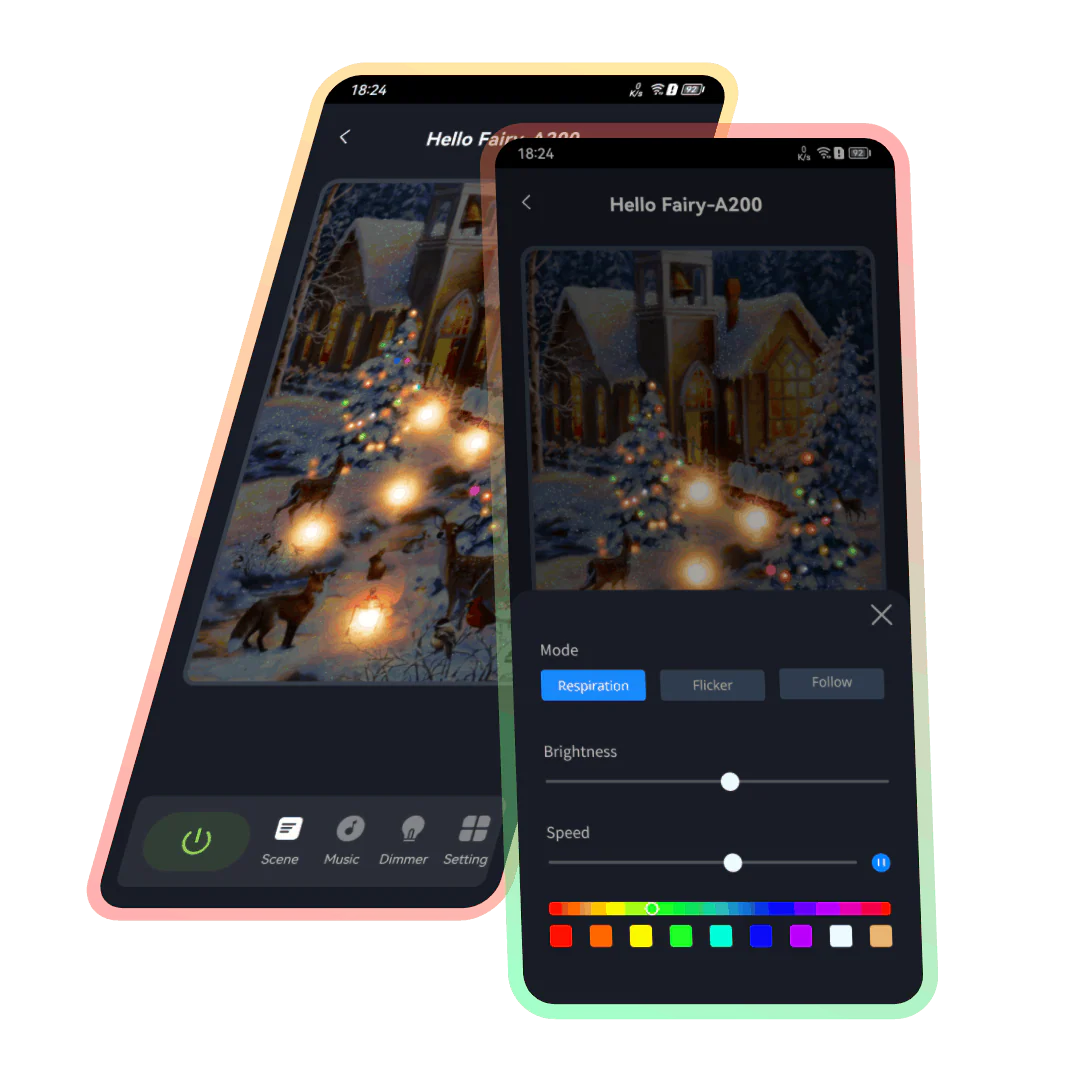 |
| Musical Rhythm Music Rhythm provides 4 music modes, namely: “Energy”, “Rhythm”, “Roll”, “Spectrum”. In different modes, parameters such as “Sensitivity” can be adjusted. You can also set the “Auto/Manual” mode, when you switch to the manual mode, you can set the flashing color yourself. |
RGB Dimming In theory, it supports 16 million colors for adjustment. Lightly press and drag the color picker in the color wheel with your finger, and the light can be switched to the desired color. | |
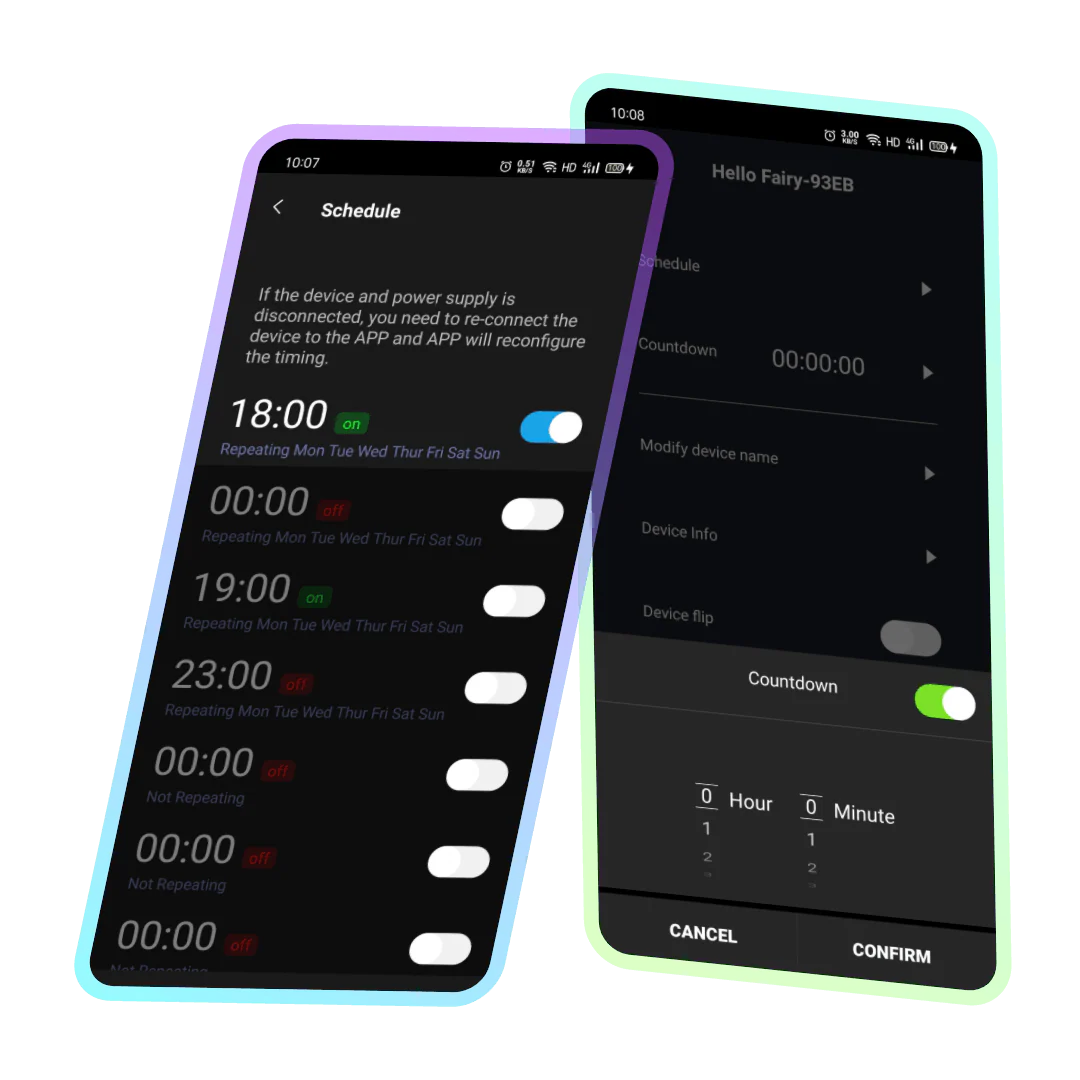 | Timing/Countdown Create a timer to turn on/off the light like setting an alarm clock, which is convenient and quick to avoid forgetting; Set a countdown, the lights will turn off automatically after the countdown is over. |
| Grid with lights | Addressless light string | Two-wire ice bar lights ] |
| Flowing water cone-shaped tree | Artificial Christmas tree | Icicle lights |
| Musical Rhythm Music Rhythm provides 4 music modes, namely: “Energy”, “Rhythm”, “Roll”, “Spectrum”. In different modes, parameters such as “Sensitivity” can be adjusted. You can also set the “Auto/Manual” mode, when you switch to the manual mode, you can set the flashing color yourself. |
RGB Dimming In theory, it supports 16 million colors for adjustment. Lightly press and drag the color picker in the color wheel with your finger, and the light can be switched to the desired color. | |
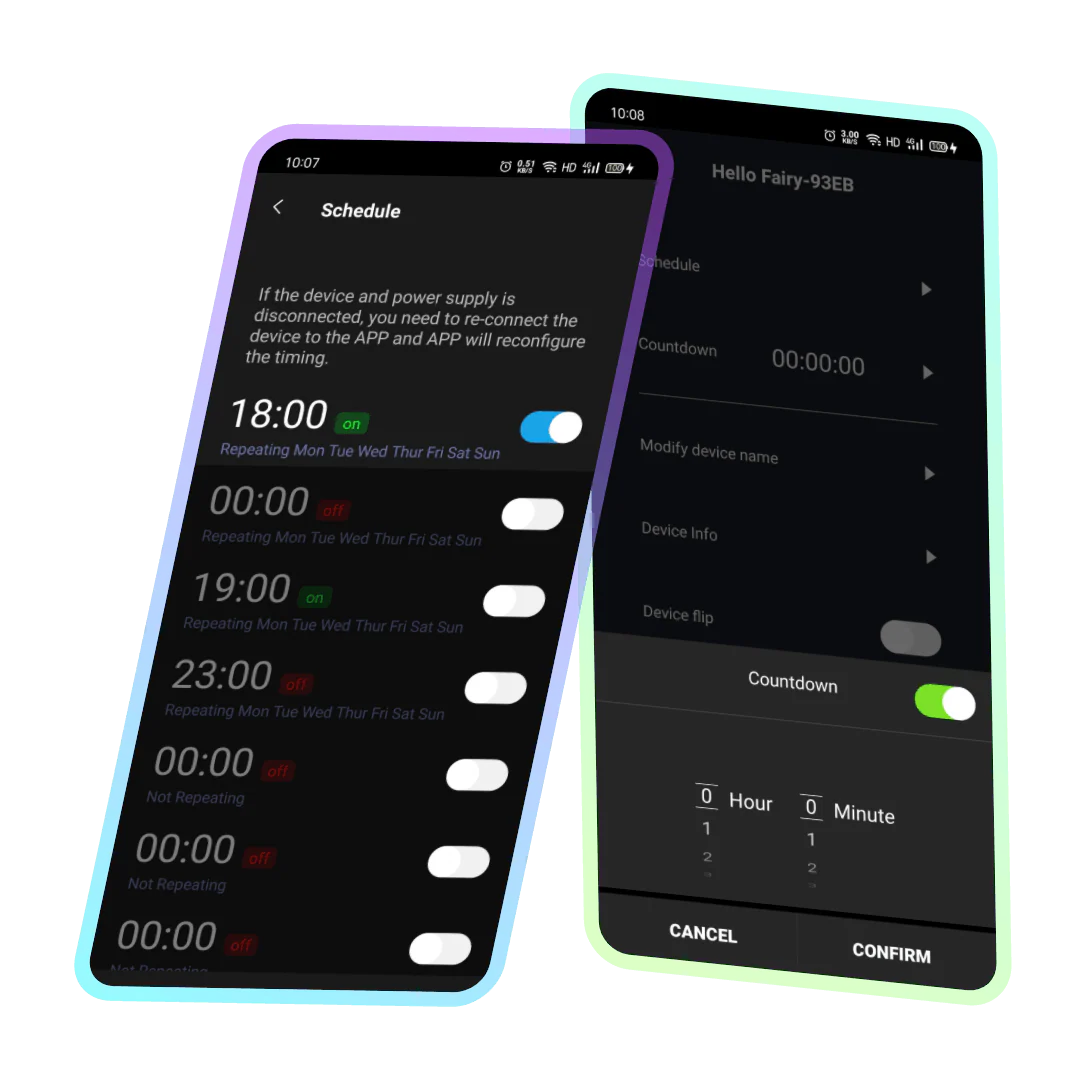 | Timing/Countdown Create a timer to turn on/off the light like setting an alarm clock, which is convenient and quick to avoid forgetting; Set a countdown, the lights will turn off automatically after the countdown is over. |